Rollback tab
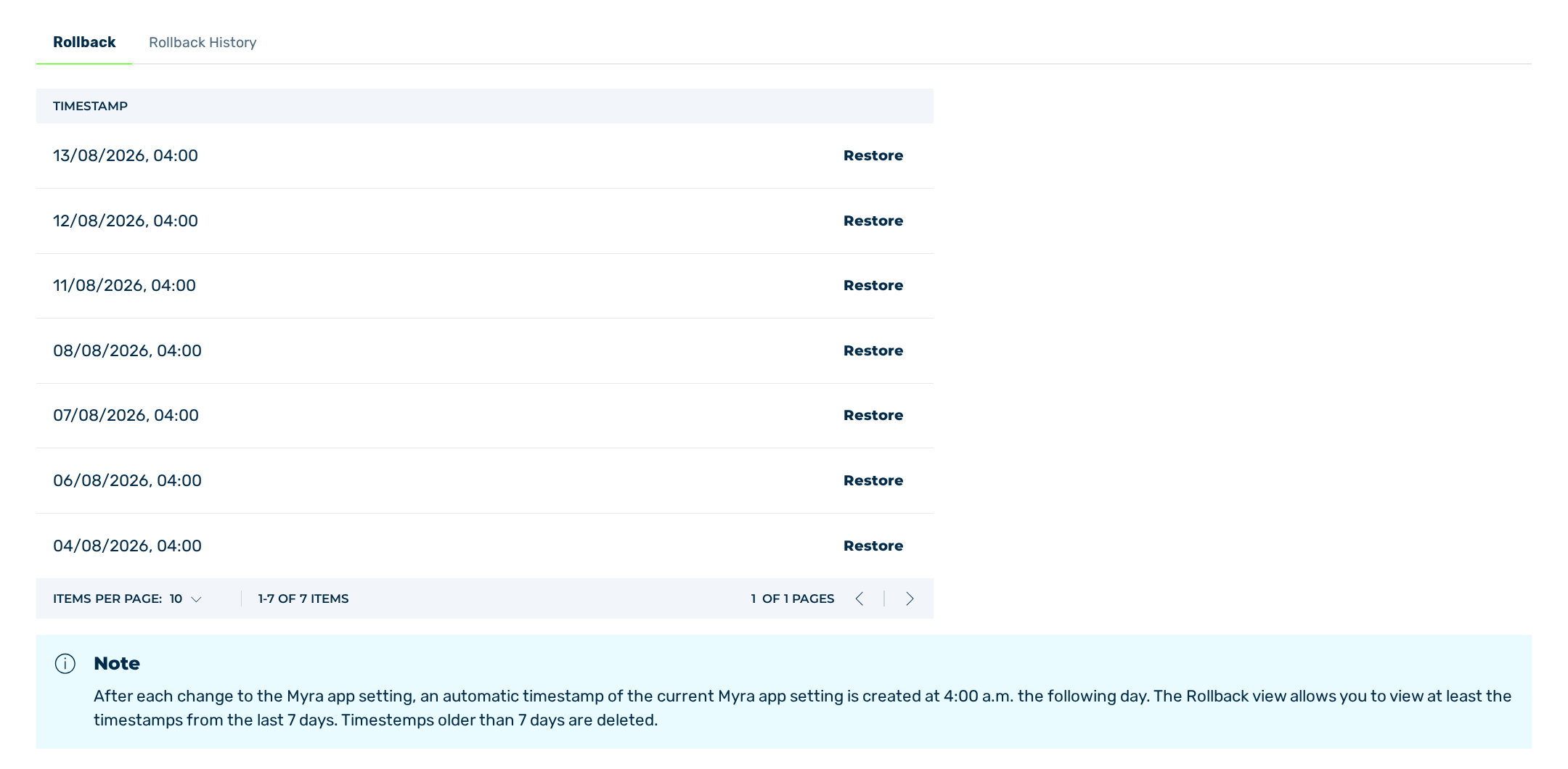
Rollback tab
The Rollback tab provides an overview of the available timestamps.
The following information is available:
| Name | Definition |
|---|---|
| Timestamp | The date and time at which the image of the settings was created. |
| Each row of the column contains the Restore button, which opens the dialog of the same name. |
If no timestamps are available, the table shows the message No entry available.
Note
The view allows you to view at least the timestamps of the last 7 days. Older timestamps are deleted.
The Restore dialog asks you to confirm whether you want to reset the settings of the Myra App to the state before the selected timestamp.
Note the following points:
- ■ All users in your organization are logged out automatically and are notified by email.
- ■ The restoration takes some time. You are notified by email as soon as it is completed.
The following buttons are available:
| Name | Definition |
|---|---|
| Restore | The button triggers the rollback. After the rollback has been triggered, the message You have successfully triggered the rollback. appears. |
| Cancel | The button closes the dialog without resetting the settings. |