Add New Domain dialog
Note
It is also possible to add subdomains as domains in the Myra App.
If you want to create a subdomain instead of a domain, please contact Myra Support or Customer Success Management.
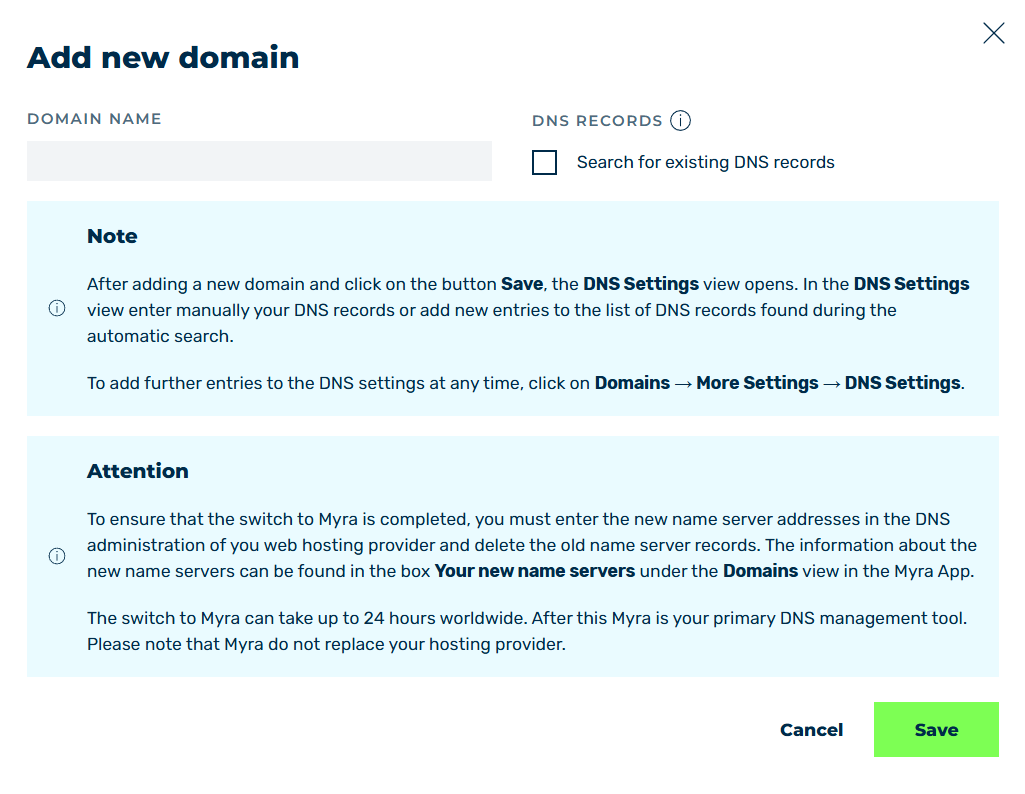
Add New Domain dialog
The Add new domain button in the Domains view opens the Add new domain dialog.
The Add new domain dialog allows you to add new domains to the Myra App.
The following options are available in the dialog:
| Name | Definition |
|---|---|
| DOMAIN NAME | Defines the domain to be added. |
| Search for existing DNS records | Enables or disables the automatic search for existing DNS records. |
| Save | The button adds the domain. |
| Cancel | The button closes the window without adding a new domain. |
Note
The number of domains that can be created is limited. If the limit is reached, clicking on the Save button will show the error message:
You have reached your contractual domains limit. Please contact your Myra Account Manager if you would like to increase it.
In this case, contact your Account Manager to have your domain limit increased.