Delete domain
Warning
When a domain is deleted, the domain and all associated settings are permanently deleted.
To be able to restore the domain after deletion, you must create a brand-new one and change the required settings.
Proceed as follows to delete a domain:
- ► Click on the Domains tab in the left navigation bar.
- ↳ The Domains view opens.
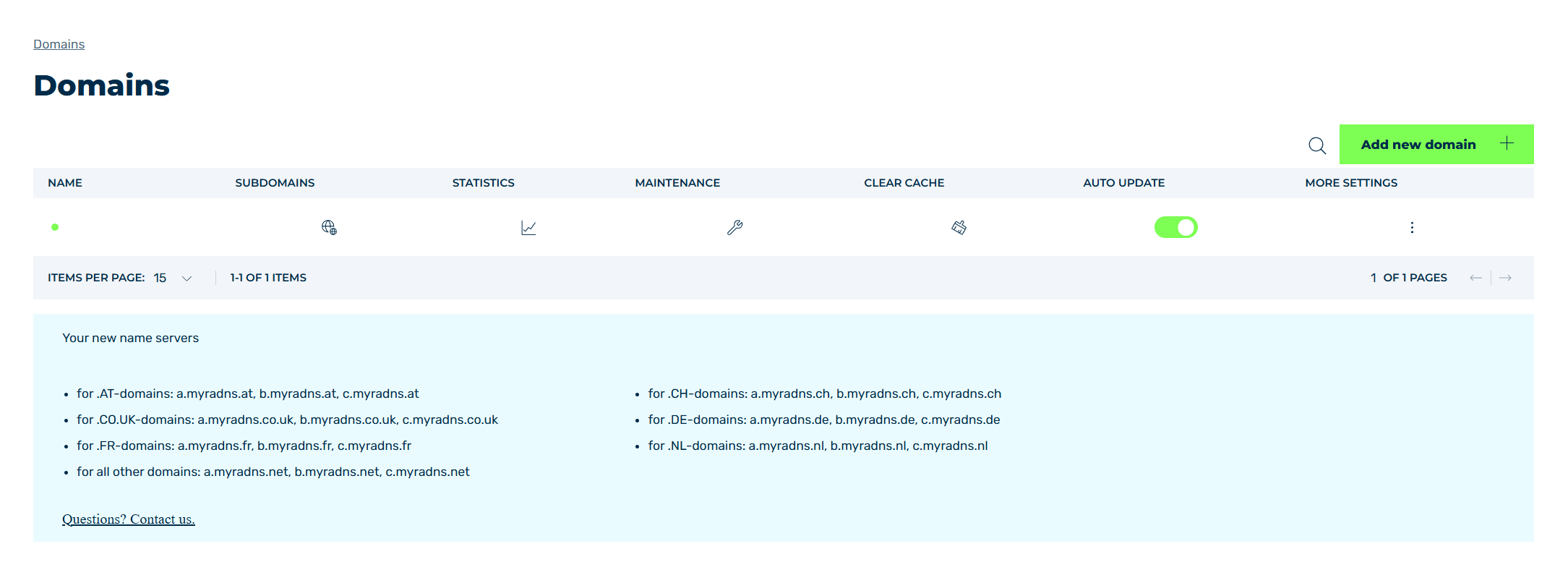
Domains view
- ► Select the relevant domain and click on the
 icon in the MORE SETTINGS column.
 - ► Click on the DELETE button.
- ↳ The Delete Domain dialog opens.
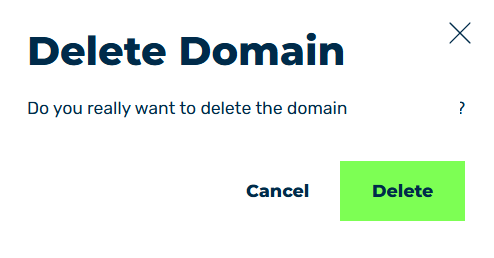
Delete domain
- ► Click on the Delete button.
- ➔ The selected entry will be removed from the list of entries.