Edit Maintenance Page
Note
A valid HTML page must always be provided for a maintenance page. Entries with missing HTML pages or HTML pages that lack a valid structure cannot be saved.
Proceed as follows to edit a maintenance page for a domain:
- ► Open the Maintenance page view, see Section Maintenance Page.
- ► Select the entry you want to edit and click on the checkboxes to the left of the entry.
- ↳ A toolbar appears above the list of entries.
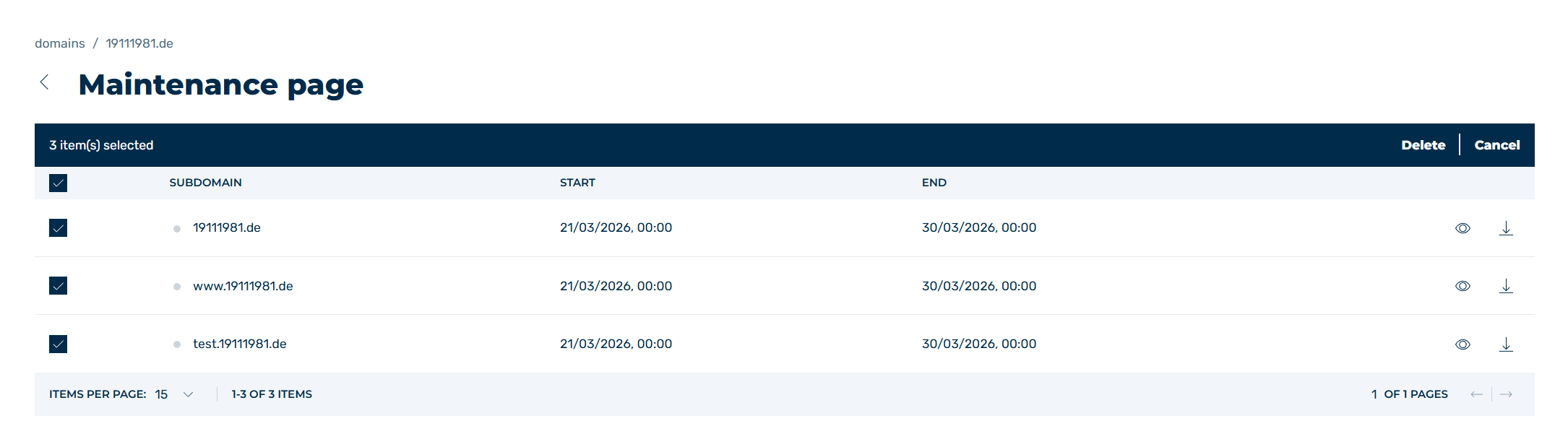
Select a maintenance page
- ► Click on the Edit button.
- ↳ The Edit maintenance page view opens.
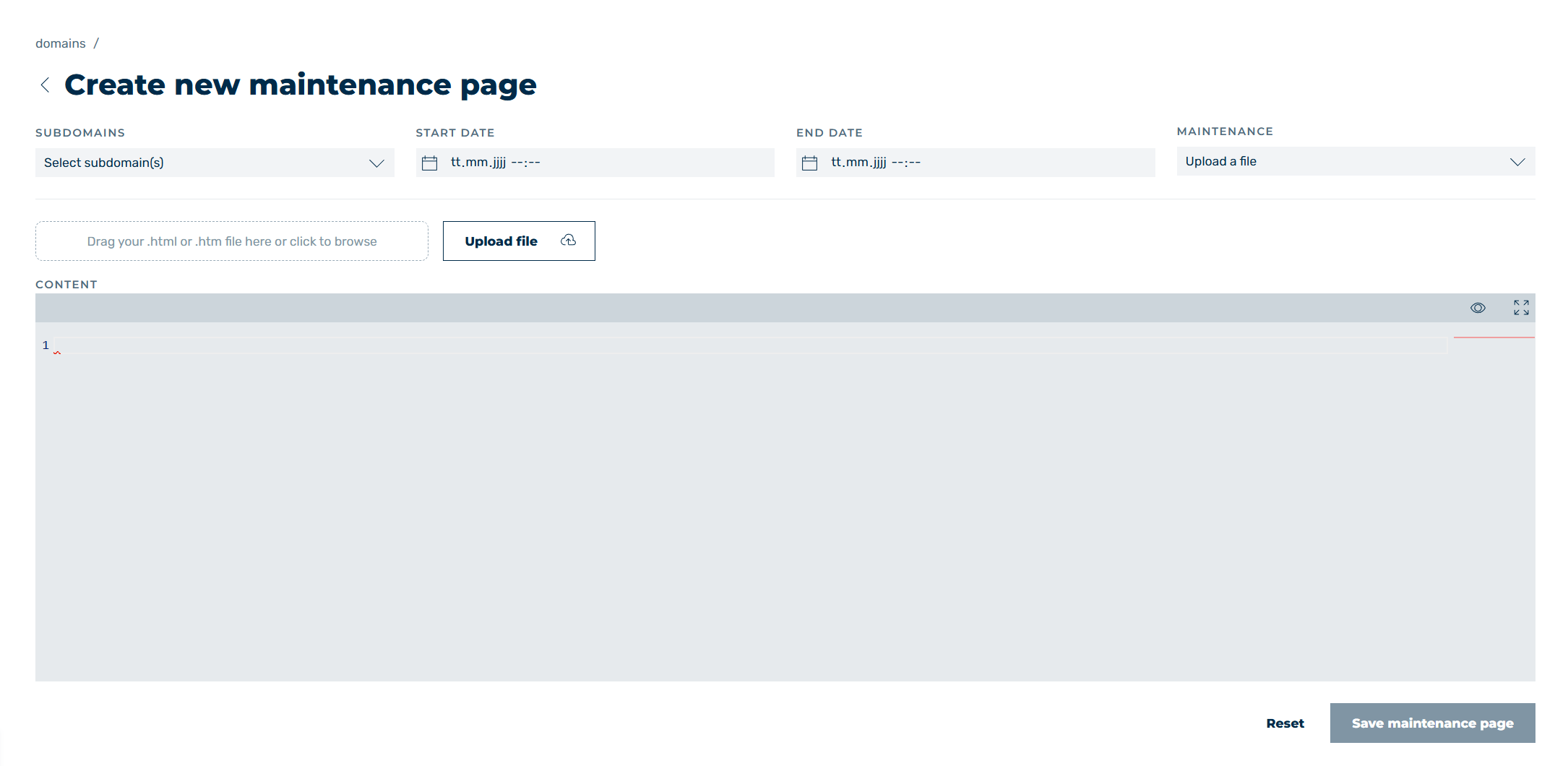
Edit maintenance page view
-
► Adjust the fields as needed, see Section Create a New Maintenance Page / Edit a Maintenance Page.
Note
The end date for the maintenance page must be at least 5 minutes in the future.
-
► Click on the Save changes button.
- ➔ The Maintenance page view opens and the maintenance page appears in the list of all maintenance pages.