Edit properties and assignment of a tag
Proceed as follows to change the name, the comment, the sorting, and the assigned domains and subdomains of a tag:
- ► Open the Tags view, see Section Tags.
- ► Click on the tab of the required tag type.
- ► In the Custom Tags area, click on the
 icon in the row of the required tag.
 - ↳ The Properties & Assignments view opens, see Section Create tag / Properties and assignment / Copy tag.
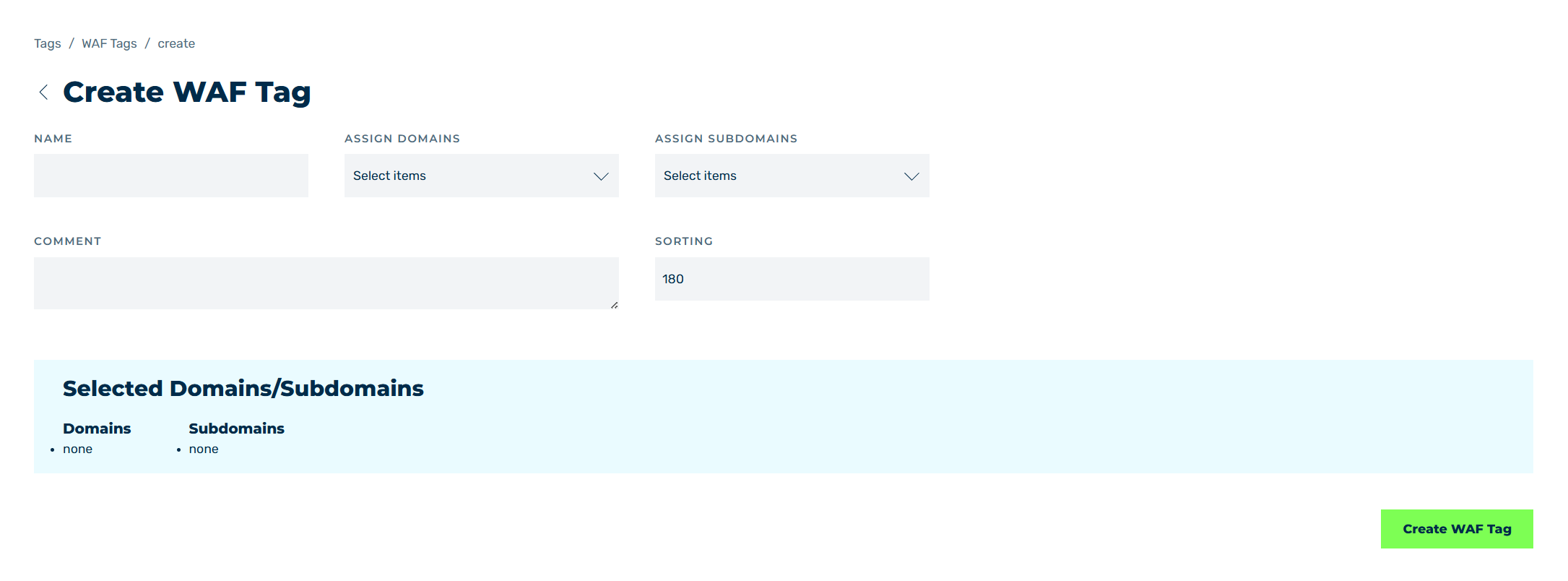
Sample structure using a Create WAF tag
- ► Change the required entries.
- ► Click on the Save button.
- ➔ The changes are saved.
Note
You edit the rules within a tag using the  icon, see Section Edit WAF rule for tag.