Delete an IP filter
Note
A deleted entry cannot be restored.
If you want to restore a deleted entry, create it again, see Section Add an IP filter.
Proceed as follows to delete an IP filter:
- ► Open the IP positive list/negative list for <subdomain name>, see Section IP Allow/Blocklist.
- ► Use the IP Allowlist, IP Blocklist, or Request Limiter for IP Allowlist tabs to select the type of IP filter you want to delete.
- ► Select the entry you want to delete.
- ► Click on the
 icon.
icon. - ↳ The Delete entry dialog opens.
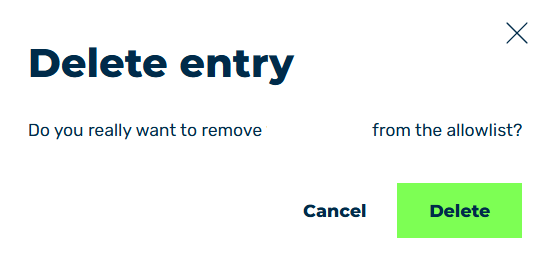
Delete IP filter entry
- ► Click on the Delete button.
- ➔ The dialog closes and the entry is removed from the list.