Profile
Proceed as follows to view or change your profile information:
- ► Open the Myra DataHub.
- ► Log in.
- ↳ The Myra DataHub home page with the company accounts opens.
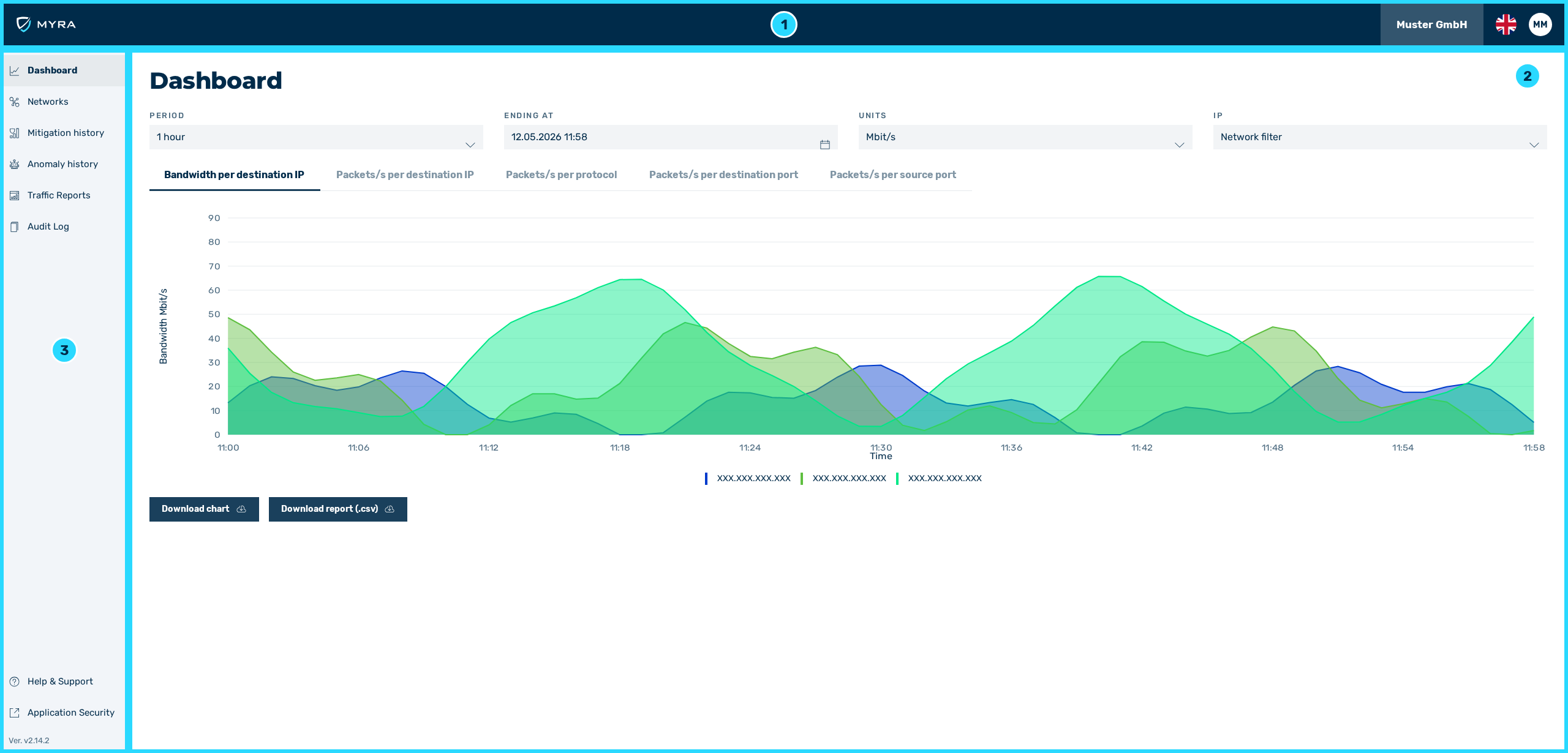
Overview Home
- ► Click on the button with your profile picture in the top right corner.
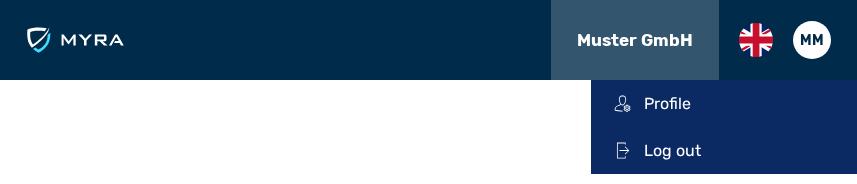
Options under the profile picture
- ► In the menu, click on the Profile menu item.
- ➔ The Profile view opens.
The Profile view has the following tabs:
- ■ Profile
- ■ API tokens
- ■ Notifications