Logging In Using Single Sign-On (SSO)
Proceed as follows to log in via SSO:
- ► Open the Myra App website.
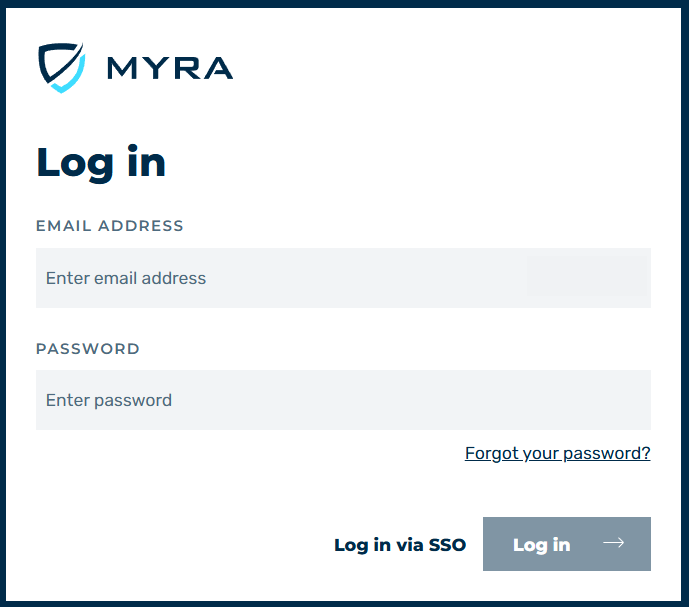
Logging Into the Myra App
- ► Click on the Log in via SSO button.
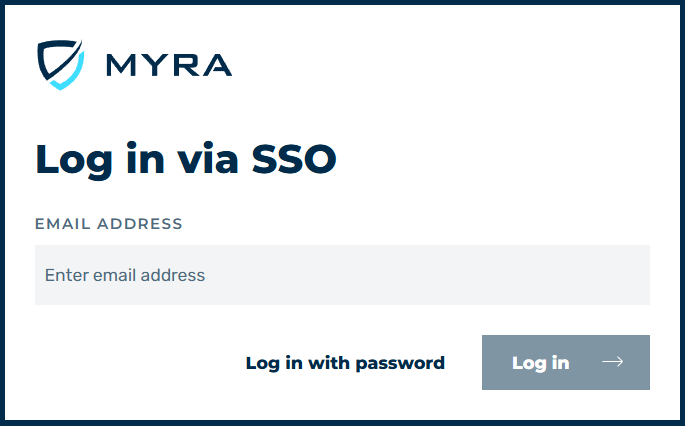
Logging In Using SSO
- ► Enter your email address in the login form.
- ► Click on the Log in button.
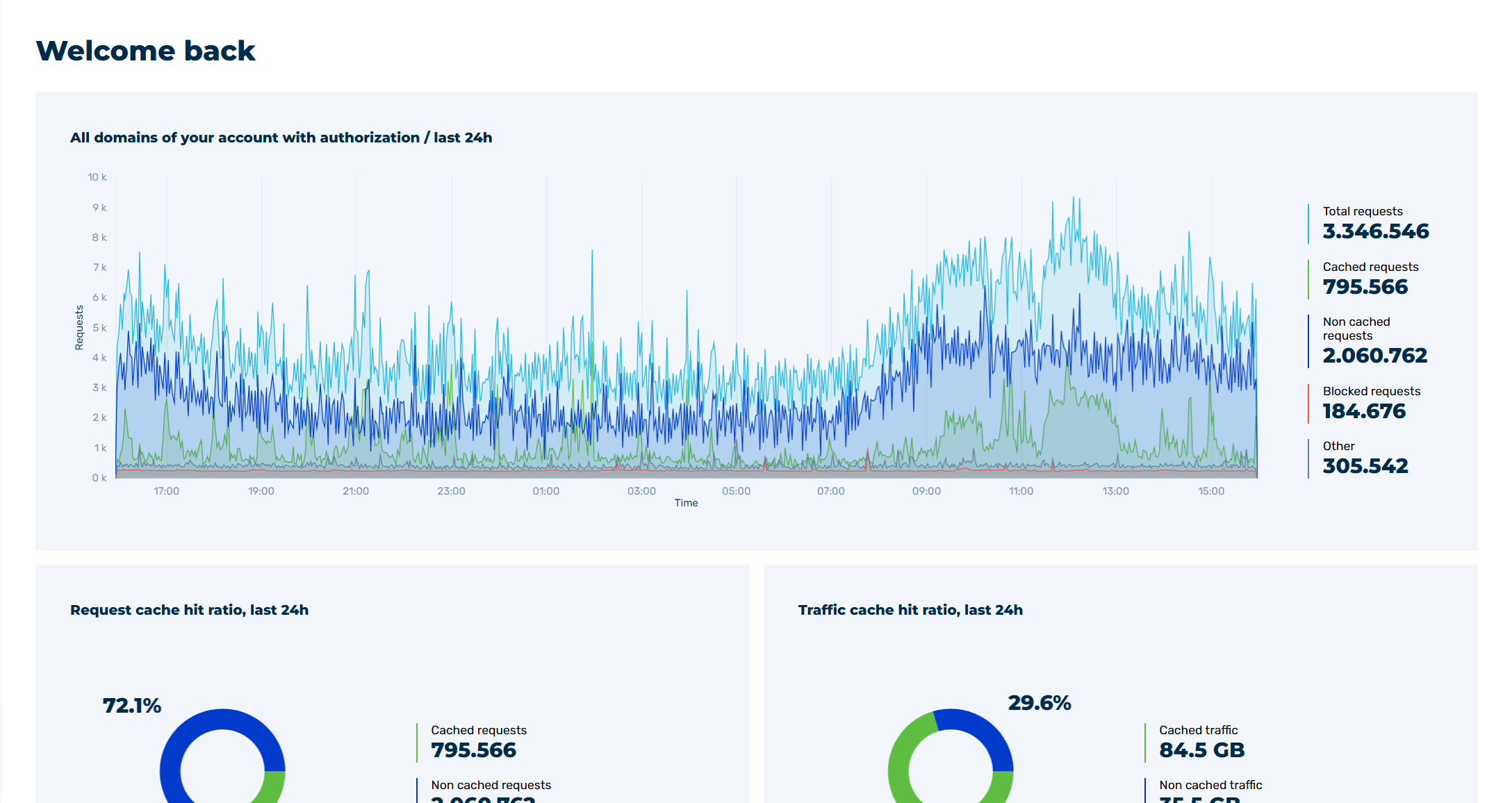
Myra App Home Page
- ➔ The home page of the Myra App with the Dashboard view opens.