Removing a user from a group
Note
You need admin rights to add, edit, or delete an account.
Note
To add a group, you need root group admin rights or sub group admin rights for the group under which the new subgroup is to be created.
Proceed as follows to remove a user's account from a group:
- ► Select the user you want to remove from a group.
- ↳ The User details for <user name> view opens.
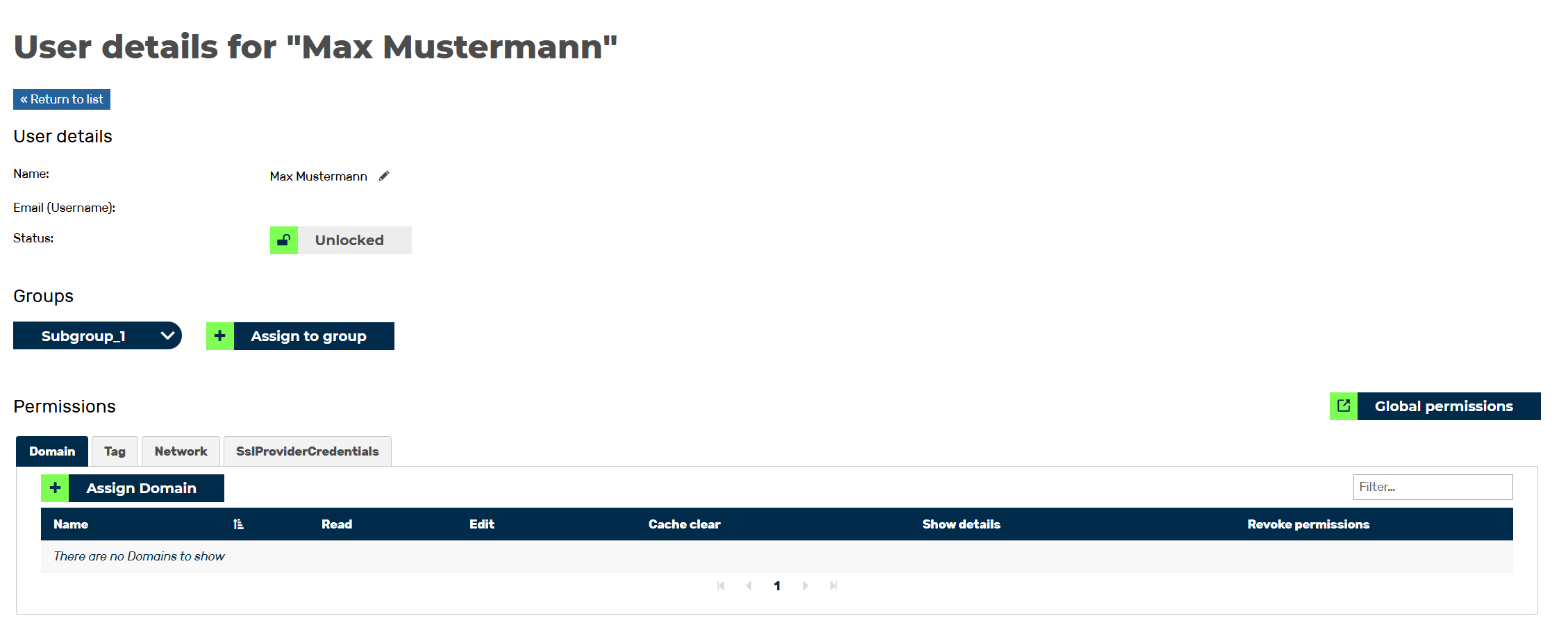
User details for <user name> view
- ► Navigate to the Groups area.
- ► Click on the arrow icon next to the group's name.
- ► Click on the Remove from group button.
- ↳ The Remove <Email address of the user> from group dialog opens.
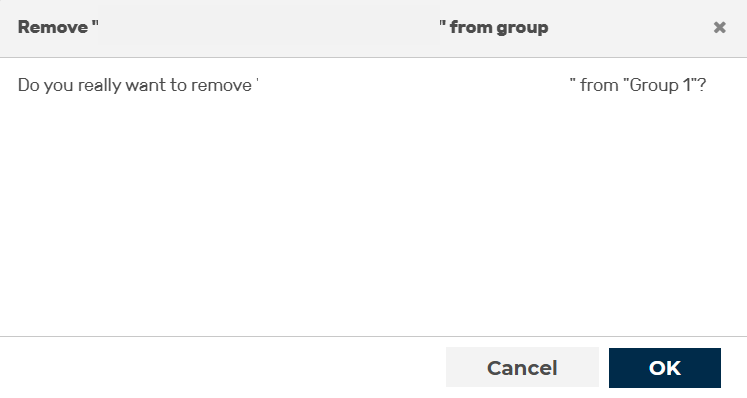
Removing user from group
- ► Click on the OK button.
- ➔ The dialog closes, and the group is no longer listed in the Groups area.