Logging In Using Your Username and Password
Proceed as follows to log in with your credentials:
- ► Open the Myra App website.
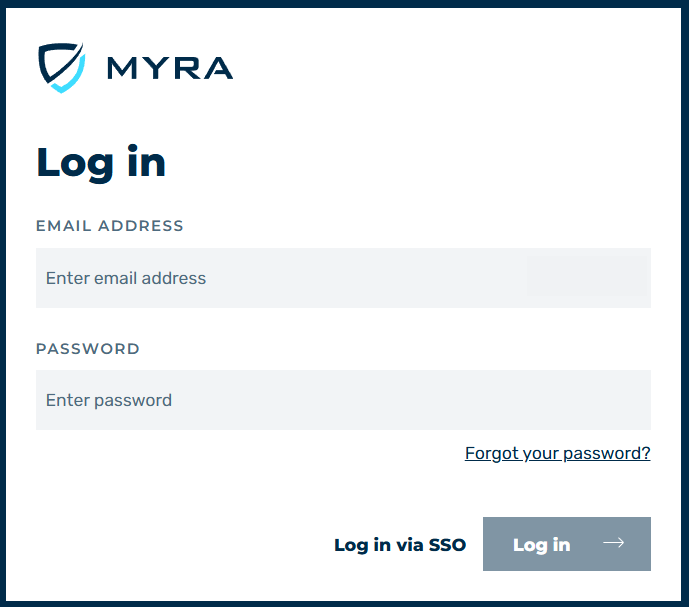
Logging Into the Myra App
-
► Enter the following information in the login form:
- E-MAIL ADDRESS of the account.
- PASSWORD of the account.
-
► Click on the Log in button.
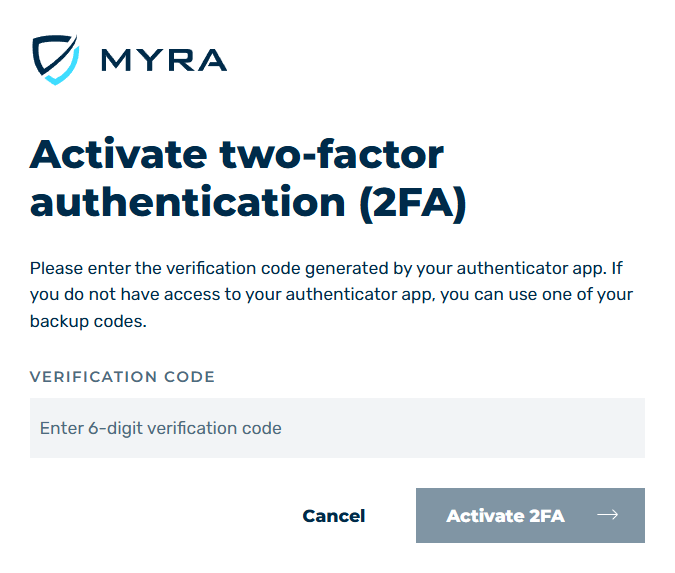
Authentication when logging into the Myra App
- ► Enter your 2FA code in the Verification code text field.
- ► Click on the Verify login button.
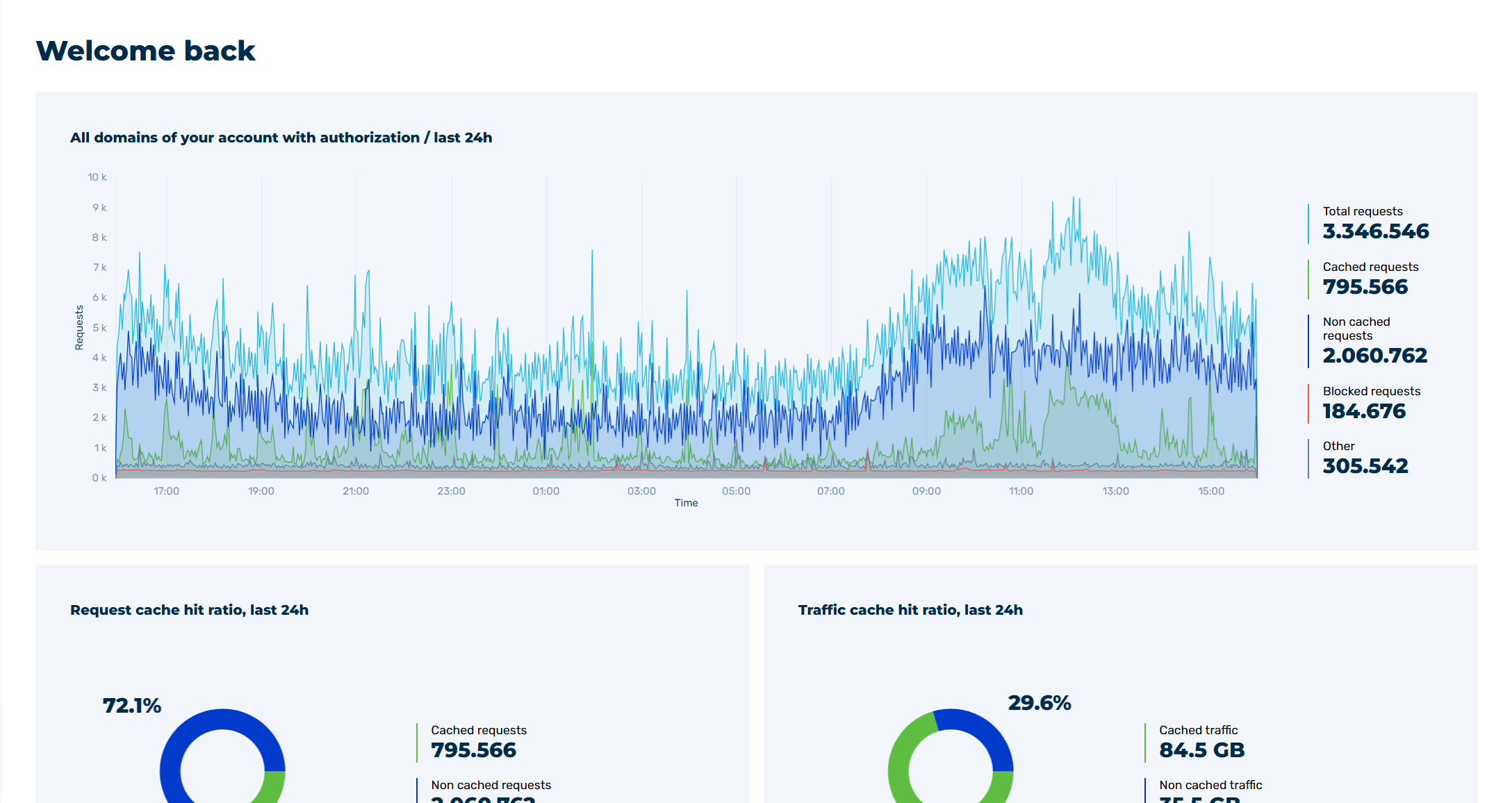
Myra App Home Page
- ➔ The home page of the Myra App with the Dashboard view opens.