Edit SSL/TLS Certificate
After you have uploaded a valid SSL/TLS certificate, you may need to make changes to the settings in the SSL/TLS certificate or update the SSL/TLS certificate once it has expired.
Proceed as follows to edit or update an SSL/TLS certificate:
- ► Open the SSL/TLS Certificate Management view, see Section SSL/TLS Certificate Management.
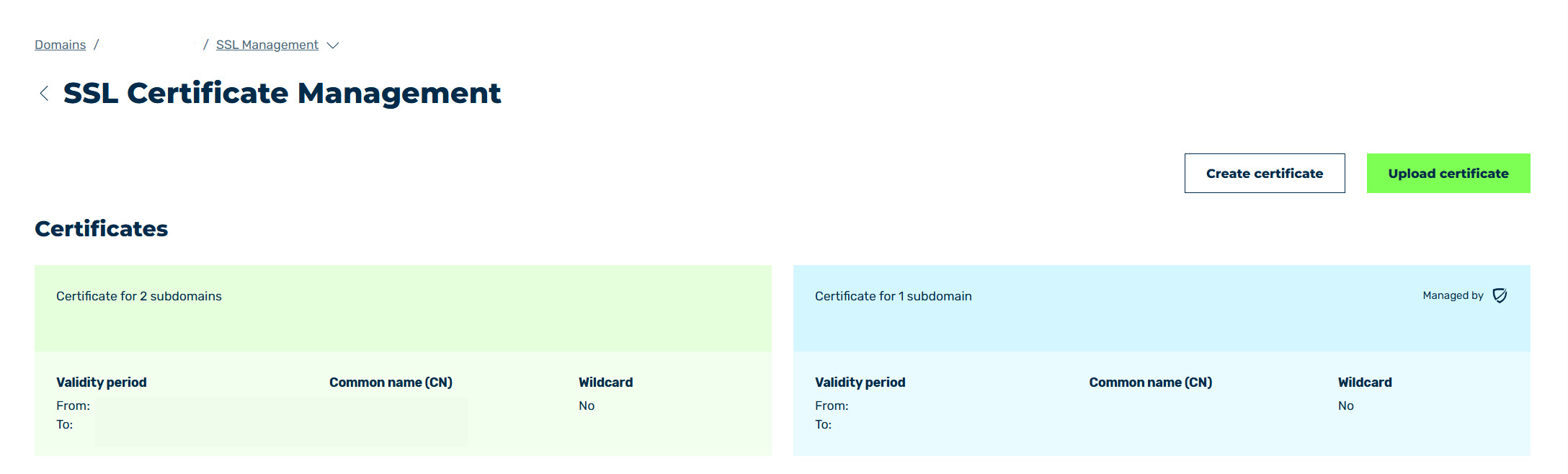
SSL/TLS Certificate Management view
- ► Click on the SSL/TLS certificate you want to edit.
- ➔ The SSL/TLS Certificate Details view opens.
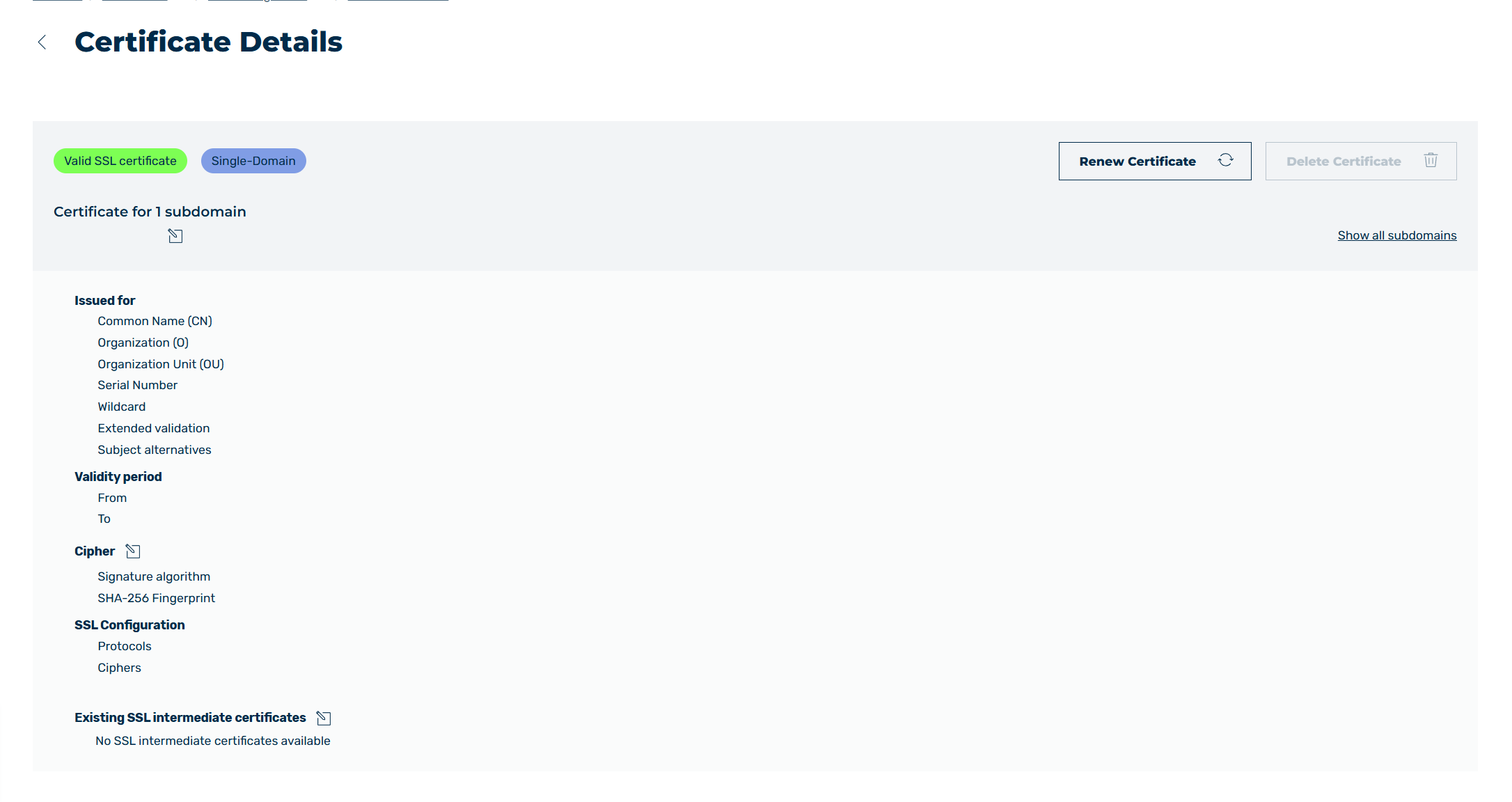
SSL/TLS Certificate Details view
The following sections explain the following configurations:
- ■ Updating SSL/TLS Certificate
- ■ Edit subdomain mappings
- ■ Edit cipher
- ■ Update SSL/TLS intermediate certificate
- ■ Delete SSL/TLS Certificate