Add Entry / Edit Entry dialog
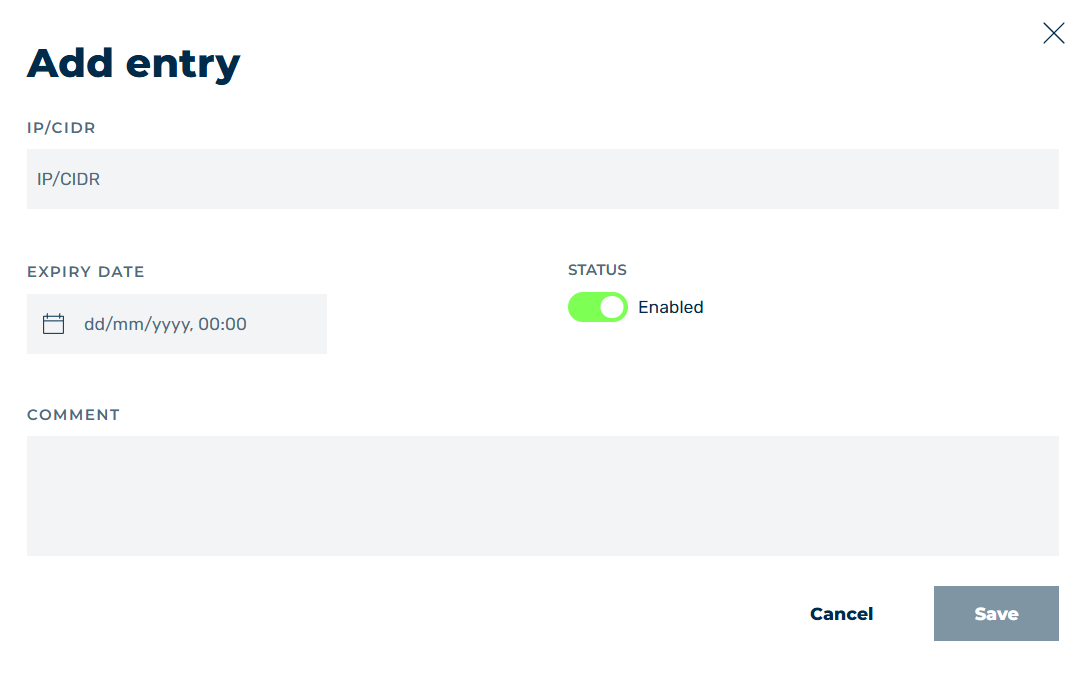
Add entry dialog
In the Add entry and Edit entry dialogs, you can add new entries to the allowlist or blocklist or edit existing entries, depending on the selected option.
The following options are available:
| Name | Definition |
|---|---|
| IP/CIDR | Defines the IP address that should be allowed or blocked. |
| Expire Date | Defines an expiration date for the selected entry. |
| Status | The switch enables or disables the DNS record. |
| Comment | Assigns an individual comment. |
| Save | The button adds the entry or saves the change. |
| Cancel | The button closes the window without adding a new entry or saving an existing entry. |