Delete SSL/TLS Certificate
Note
You can only delete SSL/TLS certificates that no longer have any subdomains assigned to them.
Note
Deleted SSL/TLS certificates cannot be recovered. Instead, upload a new SSL/TLS certificate, see Section Add SSL/TLS certificate.
In the Myra App, you can not only update or change SSL/TLS certificates, but also delete them if necessary.
Proceed as follows to delete an SSL/TLS certificate:
- ► Remove all subdomains from the SSL/TLS certificate, see Section Edit subdomain mappings.
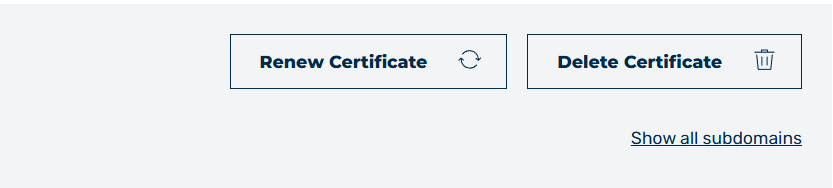
Button to delete the SSL/TLS certificate
- ► In the SSL/TLS Certificate Details view, click on the Delete Certificate button.
- ↳ The Delete Certificate dialog opens.
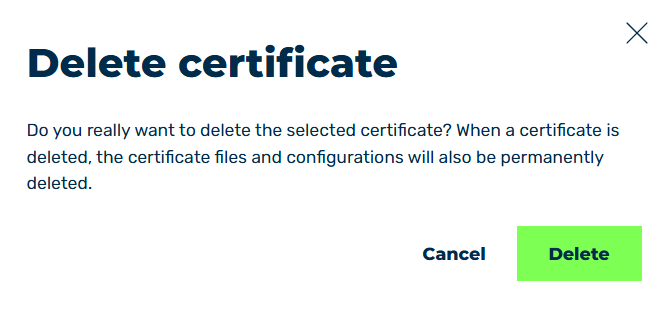
Delete Certificate Dialog
- ► Click on the Delete button.
- ➔ The dialog closes and the SSL/TLS Certificate Management view opens.