Your consent to data processing by tracking tools
We use Userpilot to improve your user experience with our products and to better understand how our users interact with our platform. When you log into the Myra App for the first time, a banner will open in the Dashboard view, asking for your consent to the processing of data by our tool.
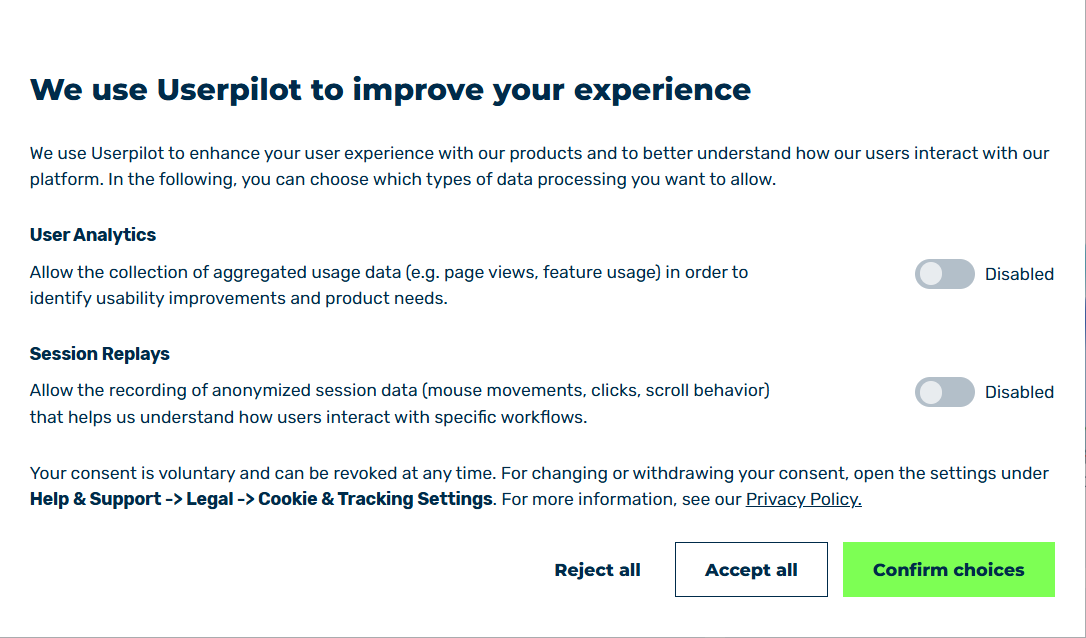
Home page with dialog for consent to data processing
In the dialog for consenting to data processing by tracking tools, you have the following options:
| Name | Definition |
|---|---|
| User analysis | Allows the collection of aggregated usage data (for example, page views, feature usage) to identify improvements in usability and product requirements. |
| Session Replays | Allows the recording of anonymised session data (mouse movements, clicks, scrolling behaviour) that helps us understand how users interact with certain workflows. |
| Reject all | By clicking on the button, you reject all tracking options and close the dialog. |
| Accept all | By clicking on the button, you agree to all tracking options and close the dialog. |
| Confirm choices | By clicking on the button, you agree to the selection of tracking options and close the dialog.NoteBy clicking on the Confirm choices button, at least the necessary tracking options are accepted. |
Note
All settings in the dialog for consenting to data processing by tracking tools can be changed at any time.
To adjust your consent settings, open the dialog via Help & Support -> Legal -> Cookie & Tracking Settings.