Add a domain
Note
When setting up Myra protection for the first time, you must add at least one of your domains to the Myra App.
Proceed as follows to add a domain:
- ► Click on the Domains tab in the left navigation bar.
- ↳ The Domains view opens.
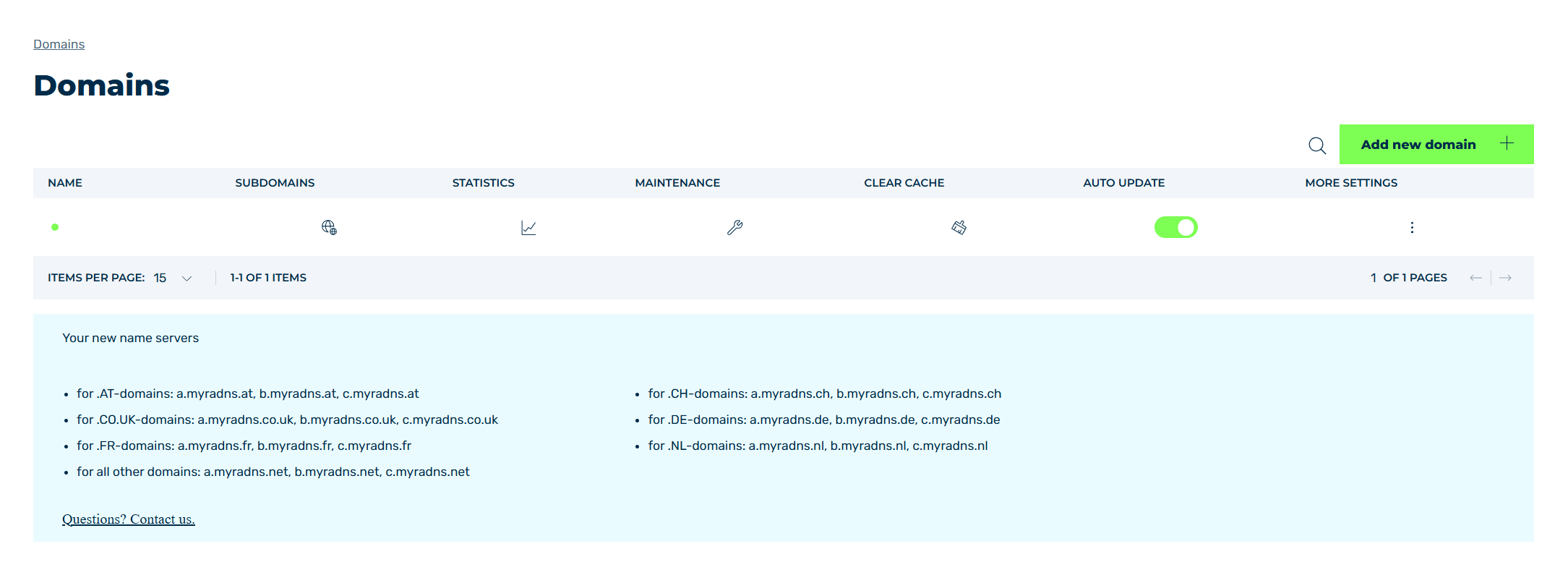
Domains view
- ► Click on the Add new domain button.
- ↳ The Add new domain dialog opens.
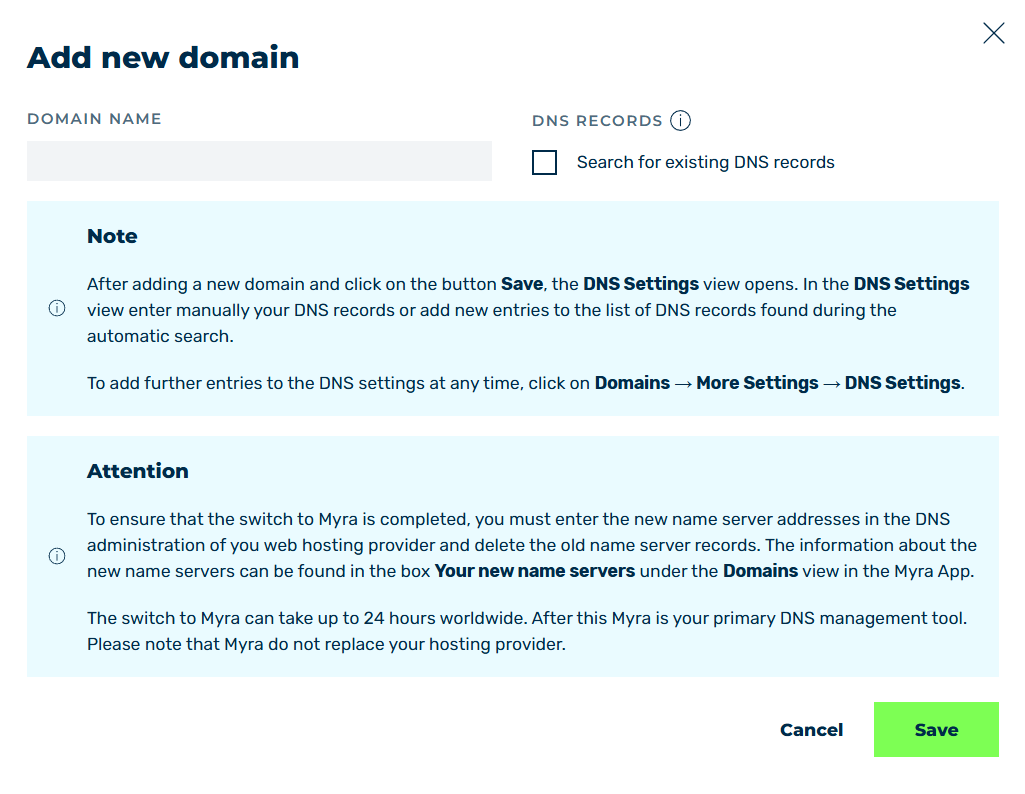
Add New Domain dialog
- ► Enter the domain that you want to add in the text field under DOMAIN NAME.
-
► If necessary, enable the Search for existing DNS records checkbox under DNS Records.
Note
If the Search for existing DNS records checkbox is activated, Myra searches for existing DNS records based on a list of common subdomain names and saves the results in the DNS records.
-
► To create the domain in the Myra App, click on the Save button.
-
➔ The Add new domain dialog closes and the DNS Records view opens.
Note
To create a DNS record, see Section Add a DNS record.