Activating Myra Protection
Activating Myra protection
In order to activate the Myra protection fully, the final step is to activate the Myra protection for each DNS entry of a domain and subdomain.
Proceed as follows to activate Myra protection:
- ► From the SSL/TLS Certificate Management view, click on the DNS Records button.
- ↳ The DNS Records view opens.
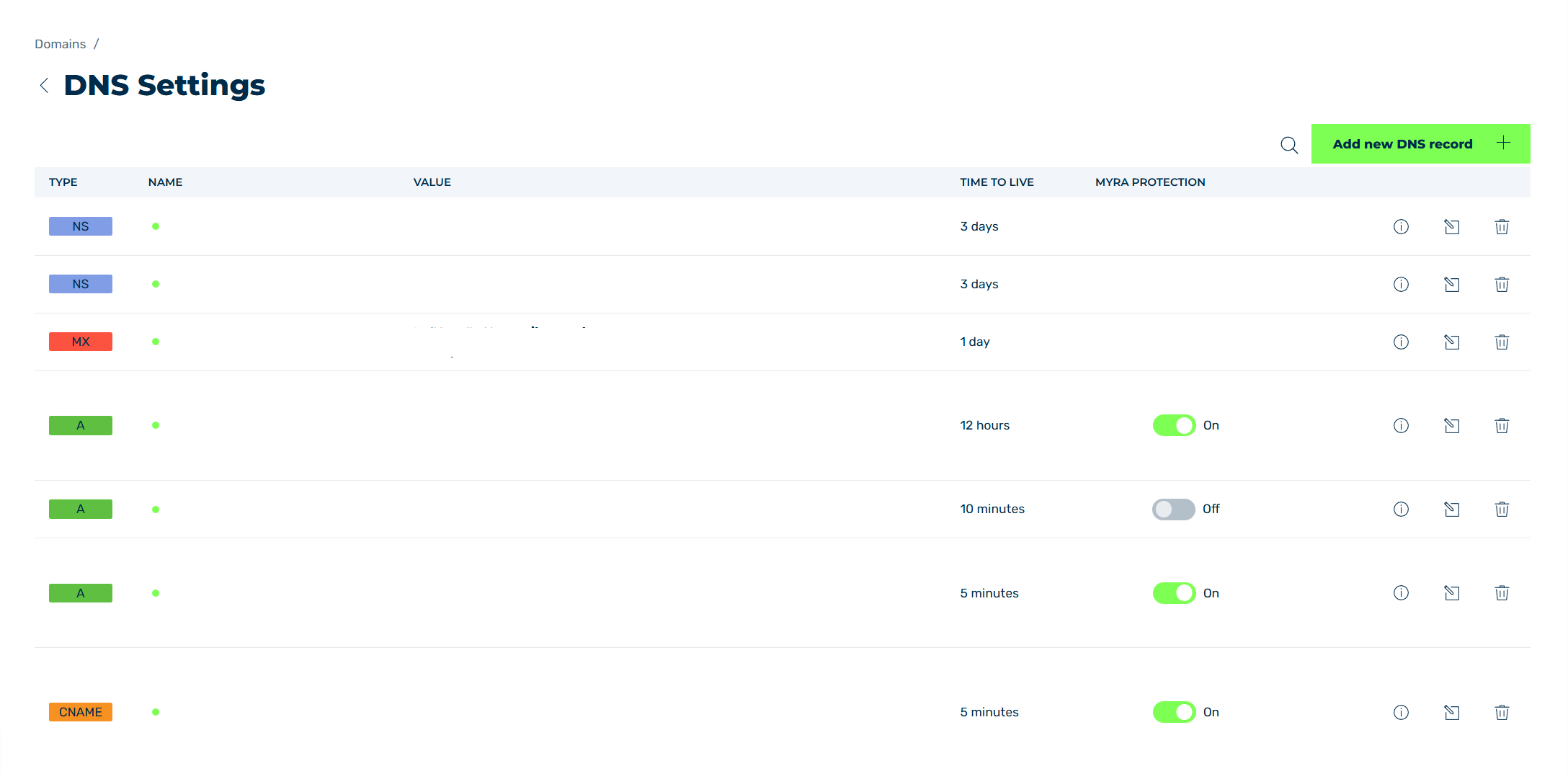
DNS Records view
- ► In the MYRA PROTECTION column, set the switch to On.
-
► Repeat the process for all required DNS records.
-
➔ Myra protection is enabled for the corresponding domain or subdomain.