Delete group
Note
To add a group, you need root group admin rights or subgroup admin rights for the group under which the new group is to be created.
Note
Only groups that no longer have any users or are not a root group for the group administrator can be deleted.
Proceed as follows to delete a group:
- ► Click on the name of your organisation in the top navigation bar.
- ► Click on the User and group management button.
- ↳ The User Management view opens.

User Management view
- ► Click on the Group Management button.
- ↳ The Group Management view opens.
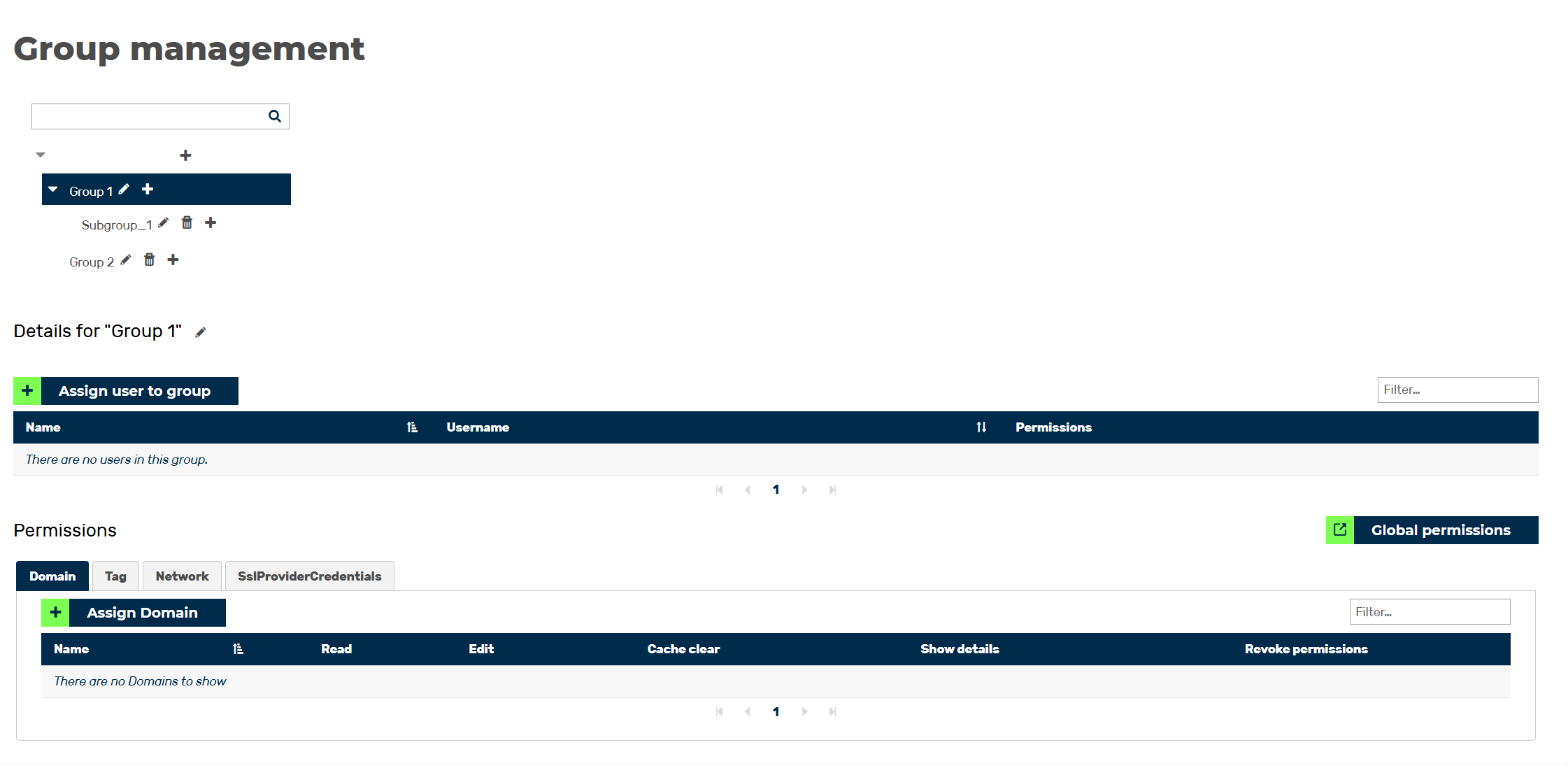
Group Management overview
- ► From the list of groups, select the group you want to delete.
- ► Navigate to the Account of the group area.
- ► Remove all users from the group by clicking the X icon.
- ► Go to the group list.
- ► Click on the
 icon.
icon. - ↳ The Delete <Group Name> dialog opens.
- ► Click on the OK button.
- ➔ The group has been removed from the list of groups.