Edit a certification authority
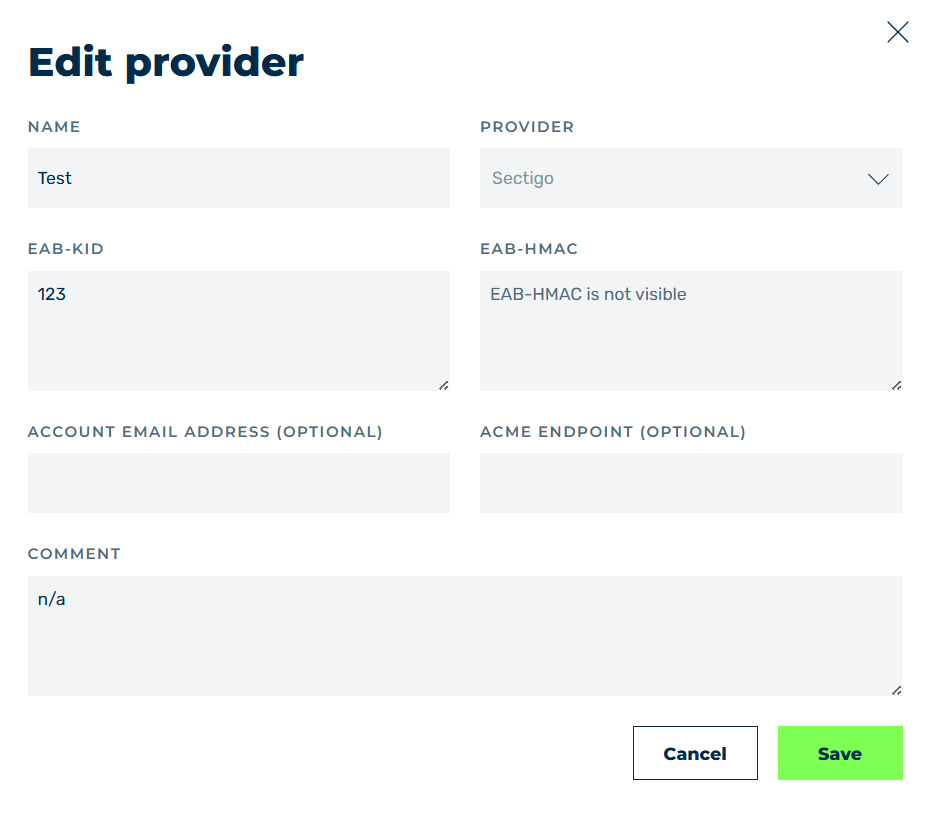
Example: Edit provider dialog
Proceed as follows to edit a certification authority:
- ► Select the entry you want to edit.
- ► Click on the
 icon.
icon. - ↳ The Edit provider dialog opens.
Example: Edit provider dialog
- ► Customize the fields according to the required changes, see Section Add provider / Edit provider dialog.
- ► Click on the Save button.
- ➔ The dialog closes and the changes are saved.