Group Management
Note
When you create a new user in the Myra App, this new user has no permissions yet. To assign permissions to a new user, assign them either local or global permissions.
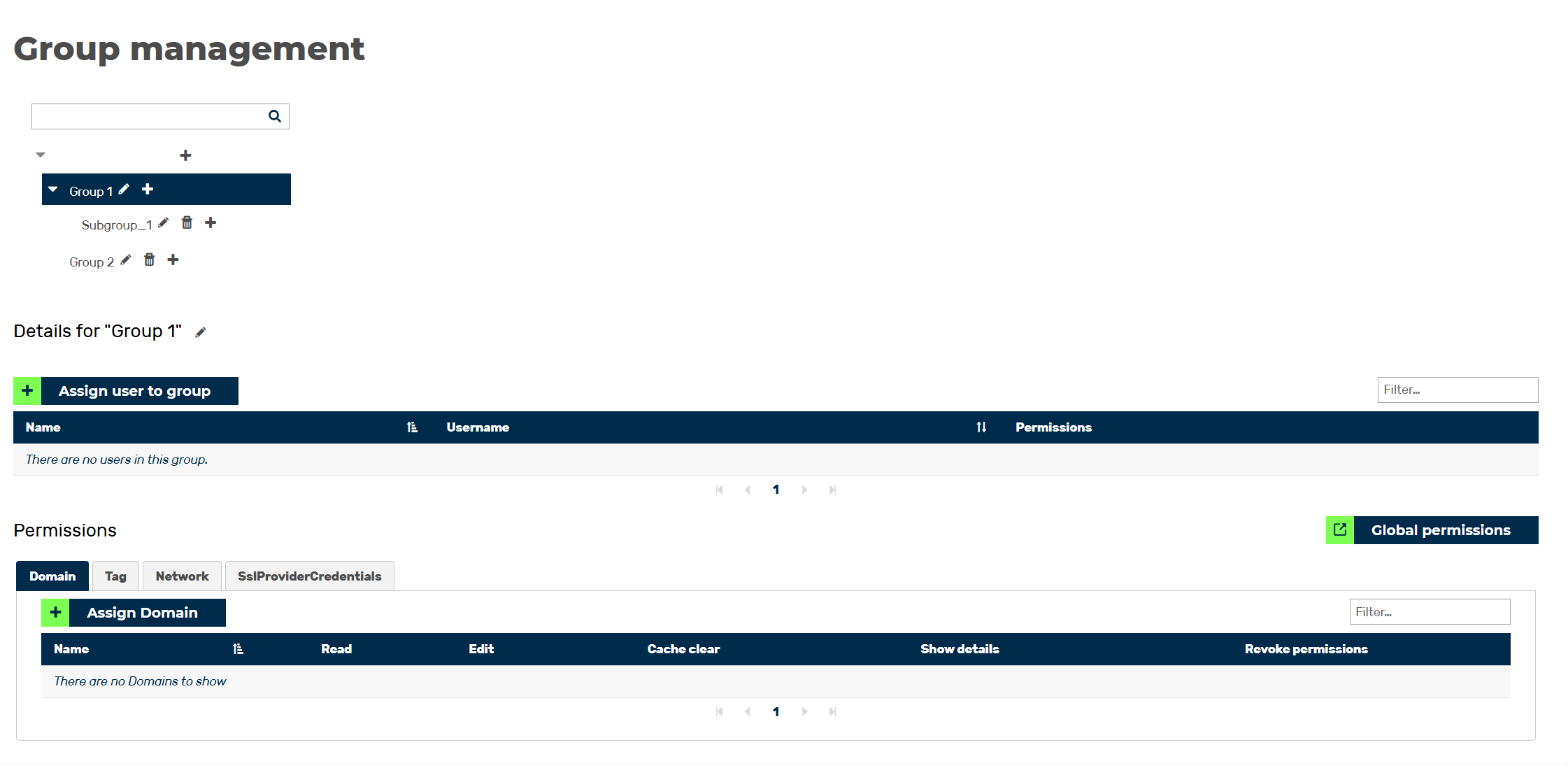
Group Management overview
In the Group Management view, you can view and edit all groups, as well as add new groups to your organisation. Groups allow you to grant permissions at group level and thus assign the same permissions to multiple users. The view also gives you an overview of the users who are part of the individual groups, as well as their respectively assigned roles.
Proceed as follows to open the Group Management view:
- ► Open the Myra App.
- ► Click on the name of your organisation in the top menu bar.
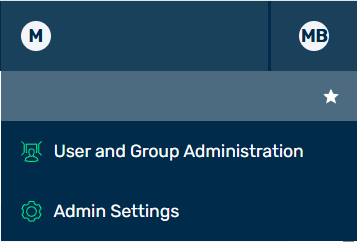
Options under the Organization Name
- ► In the list, click on the User and group management button.
- ↳ The User Management view opens.

User Management view
- ► Click on the Group Management button.
- ➔ The Group Management view opens.
The Group Management view comprises the following areas:
- ■ Group list
- ■ Details
- ■ Accounts of a Group Area
- ■ Permissions
The following options are available:
| Name | Definition |
|---|---|
 |
The symbol filters entries by group names. |
| Filter field | The field filters entries by accounts or permissions. |