Log Out
To log out of the Myra App, you have two options depending on the view.
Logging out from the user management view and the new user interface design:
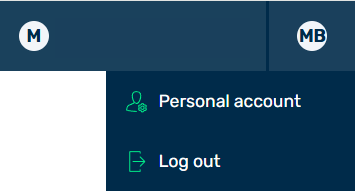
Logging Out – New User Interface Design
- ► Click on the account icon in the top right-hand corner.
- ► In the list, click on the Log out button.
- ➔ The login page opens.
Logging out from the classic user interface:

Logging Out – Classic User Interface
- ► Click on the Log out button at the top right.
- ➔ The login page opens.