Create new custom error Page / Edit <error code> error page
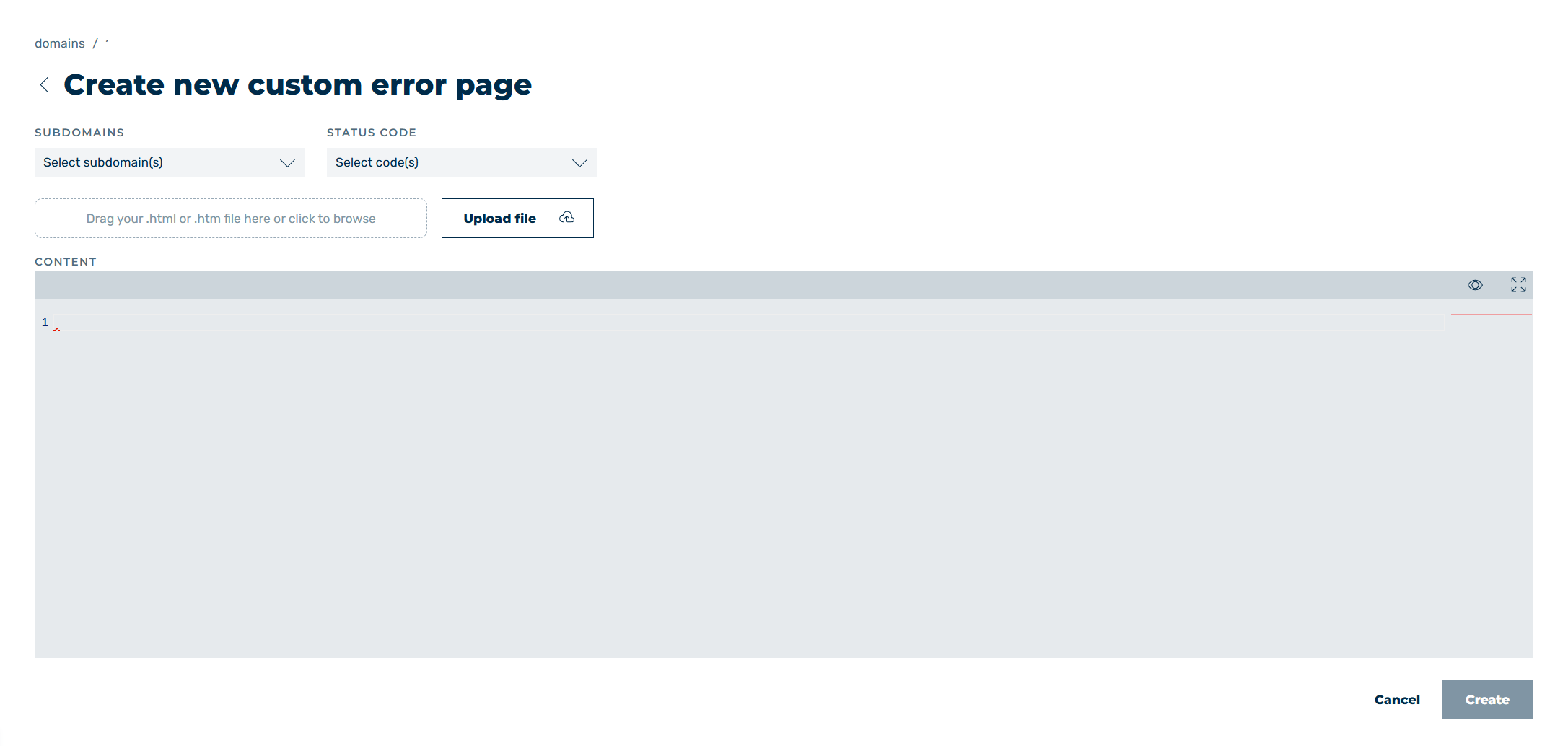
Create new custom error page view
In the Create new custom error page and Edit <Error Code> Error Page views, you can add new error pages or edit existing custom error pages, depending on the selected option.
The following options are available:
| Name | Definition |
|---|---|
| SUBDOMAINS | Defines the subdomains that an error page should be shown for. Selecting All Subdomains creates a global error page entry for all subdomains.NoteThe SUBDOMAINS field is only available when creating new error pages. |
| STATUS CODE | Defines the error codes that an error page should be stored for.NoteThe STATUS CODE field is only available when creating new error pages.NoteAll selected error codes are assigned the same template when an error page is first added. For specific templates, the required error code must be edited in the Edit <error code> error page view after saving. |
| Upload file | Uploads an error page template from your computer as an HTML file. |
| CONTENT | Shows the HTML code of the uploaded error page template. The window also acts as an editor and allows you to edit the HTML code. |
 |
The icon shows a preview of the error page for the selected entry. |
 |
The icon maximises or minimises the content window. |
| Create | The button creates the error page settings. |
| Save | The button saves the changes to the error page. |
| Cancel | The button closes the view without creating or saving an error page. |
 |
The icon closes the view and opens the Domains view. |