Profile
Profile
Note
The email address cannot be changed after creating an account, as it is also the username. To change the email address, either create a new account or contact Myra Support.
In the Personal account view, you can view and edit your account’s personal information.
Proceed as follows to open the Personal account view via the User Management:
- ► Click on the Manage your own account button on the user management home page.
- ↳ The User details for <user name> view opens.
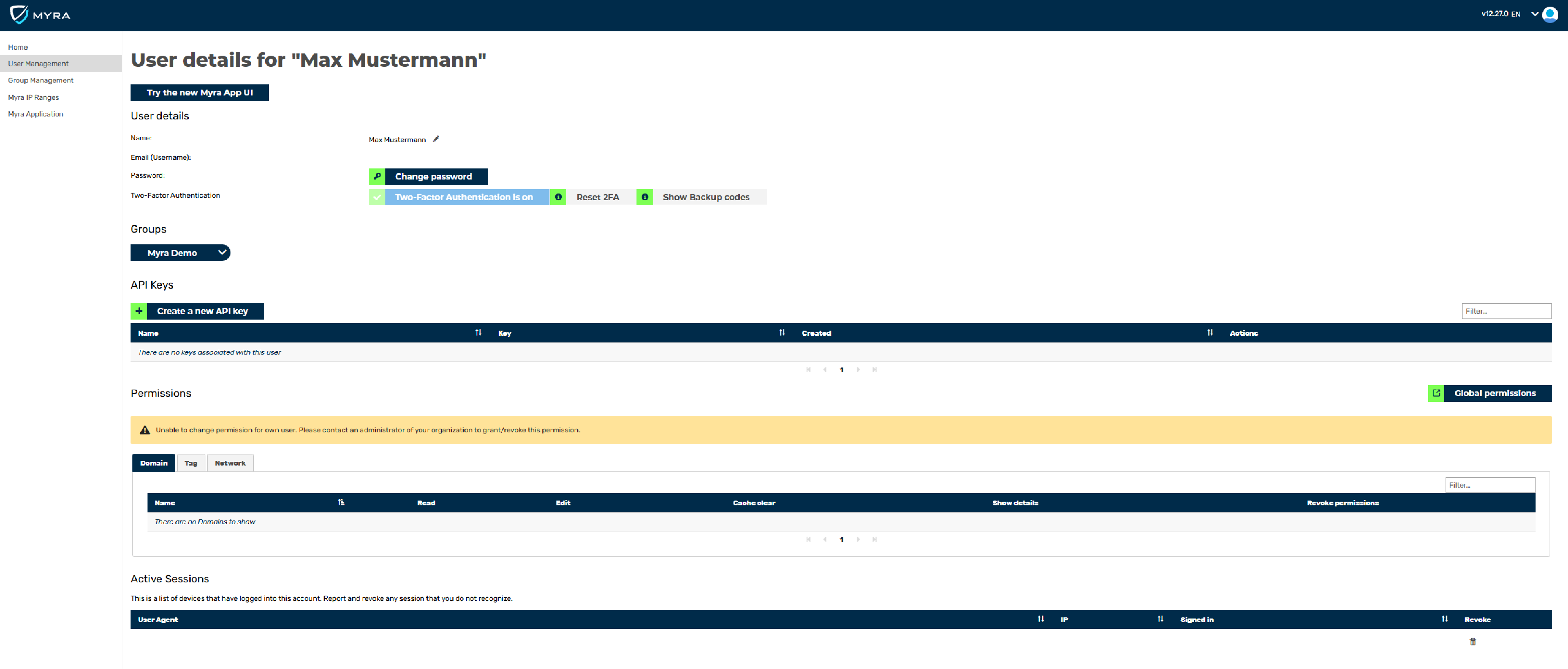
User details for <user name> view
- ► Switch to the new design.
- ➔ The Personal account view opens.
Proceed as follows to open the Personal account view via the Myra App:
- ► Click on the profile icon in the top right corner.
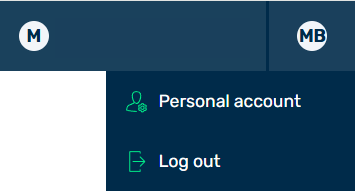
Options below the profile icon
- ► Click on the Personal account button.
- ➔ The Personal account view opens.

Personal account view
The view includes the following tabs:
- ■ Details
- ■ Assigned groups
- ■ Active sessions
- ■ API access
- ■ Login history
- ■ Notification settings