Rollback
Note
The view is only available if rollback has been enabled for your organization and you are logged in as a root administrator.
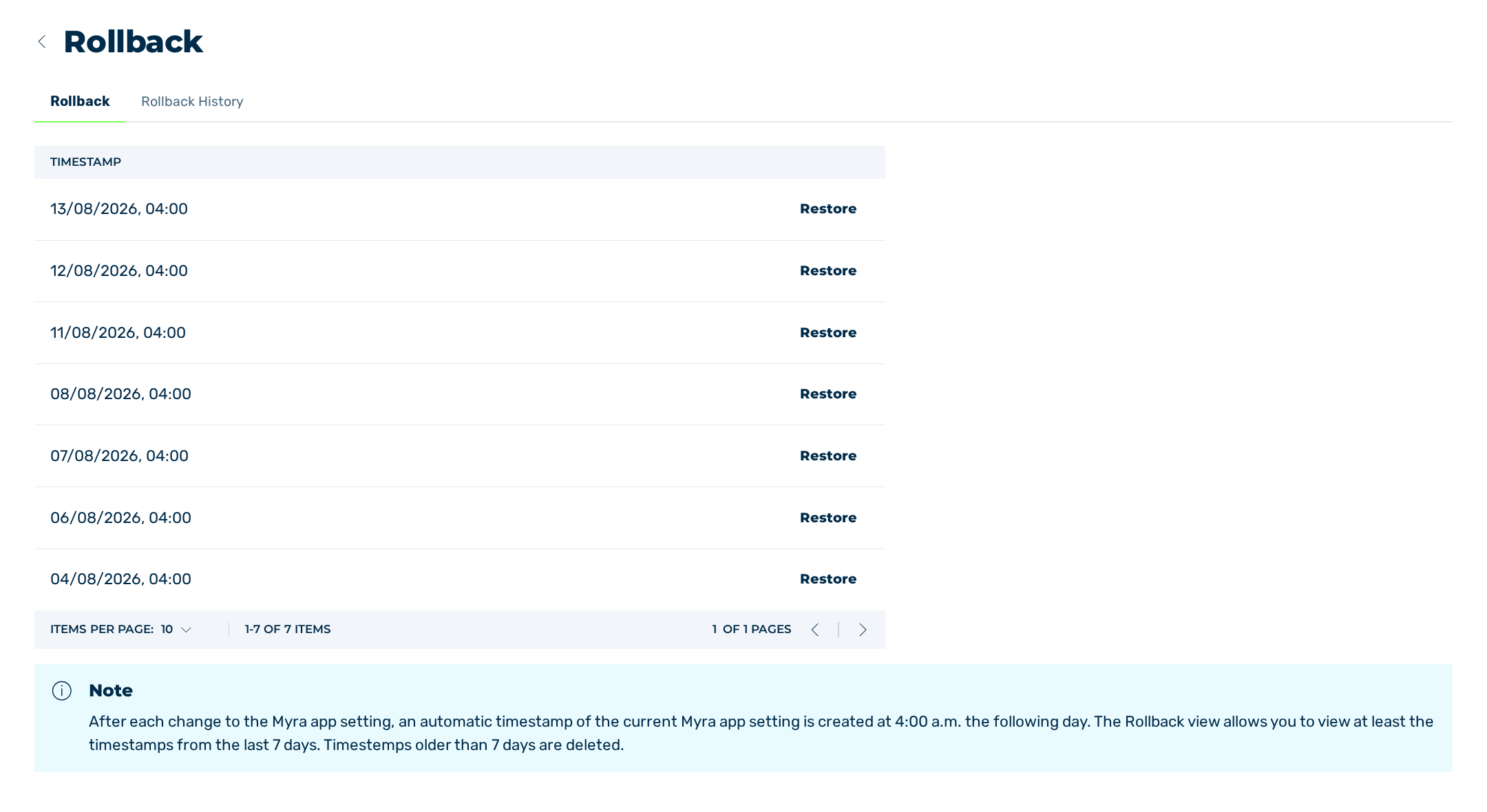
Rollback view
The Rollback view allows you to reset the settings of the Myra App to an earlier state.
Myra automatically creates a timestamp of the settings at 4:00 a.m. on the day after a change to the settings of the Myra App. Each timestamp is a state that you can restore.
The Rollback view contains the following tabs:
| Name | Definition |
|---|---|
| Rollback | The tab contains the available timestamps and the button for resetting the settings. See Rollback tab. |
| Rollback History | The tab contains the rollbacks that have already been performed. See Rollback History tab. |