Settings
Settings view
The Settings view provides several setting options for your subdomains and allows you to customise the connection, security, or performance of your subdomains.
Proceed as follows to open the Settings view:
- ► Click on the Domains tab in the left navigation bar.
- ↳ The Domains view opens.
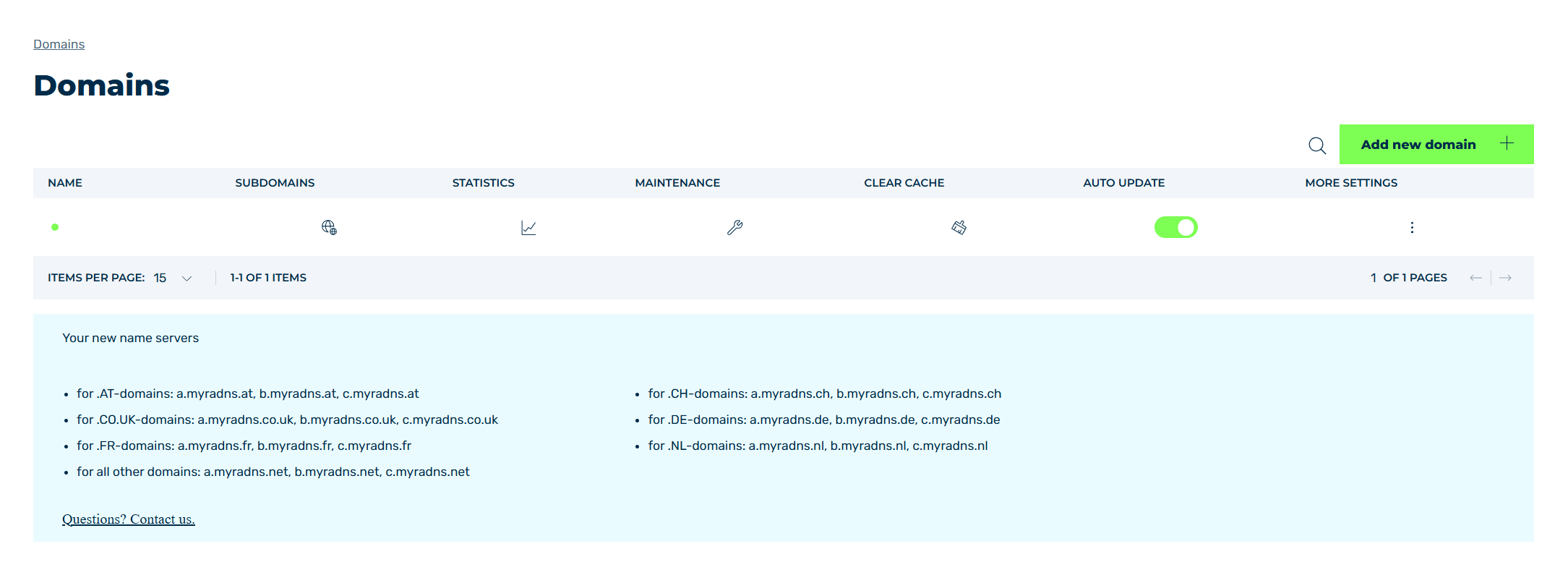
Domains view
- ► Click on the
 icon in the SUBDOMAINS column.
 - ↳ The Subdomain settings for <domain name> view opens.
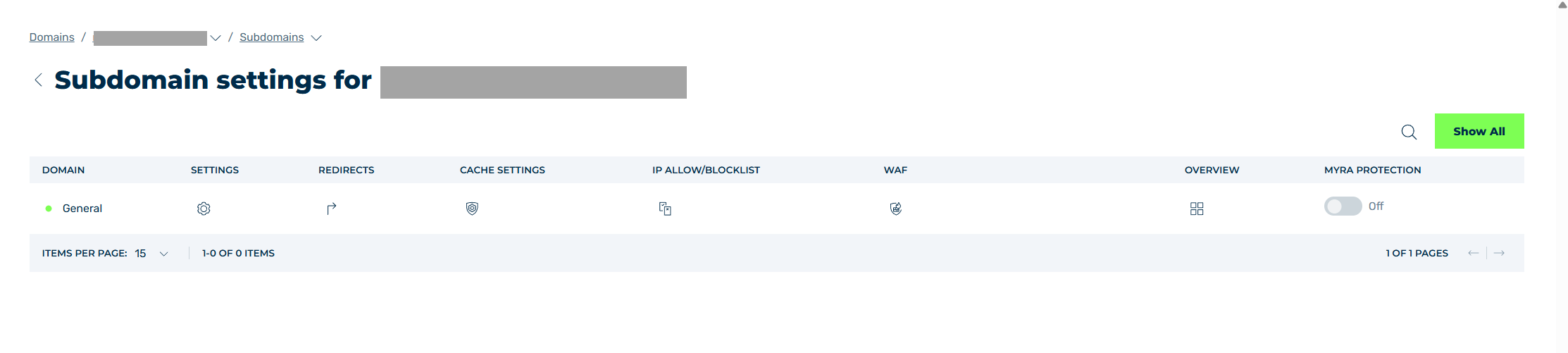
Subdomain settings view
- ► Click on the
 icon in the Settings column.
 - ➔ The Settings view opens.
The configuration options in the Settings view are shown in a navigation bar with several tabs:
- ■ Connection
- ■ Security
- ■ Performance
- ■ Logging
- ■ Expert
- ■ Upstream Error Reporting
The following options are also available for each tab:
| Name | Definition |
|---|---|
| Save | The button saves the settings. |
| Reset to Default | The button resets all the values to the most recently saved settings. |
 |
The icon closes the Settings view and opens the Subdomain settings view. |
Note
You can make your settings in all the tabs, one after another, and save everything together.