Assigned groups tab
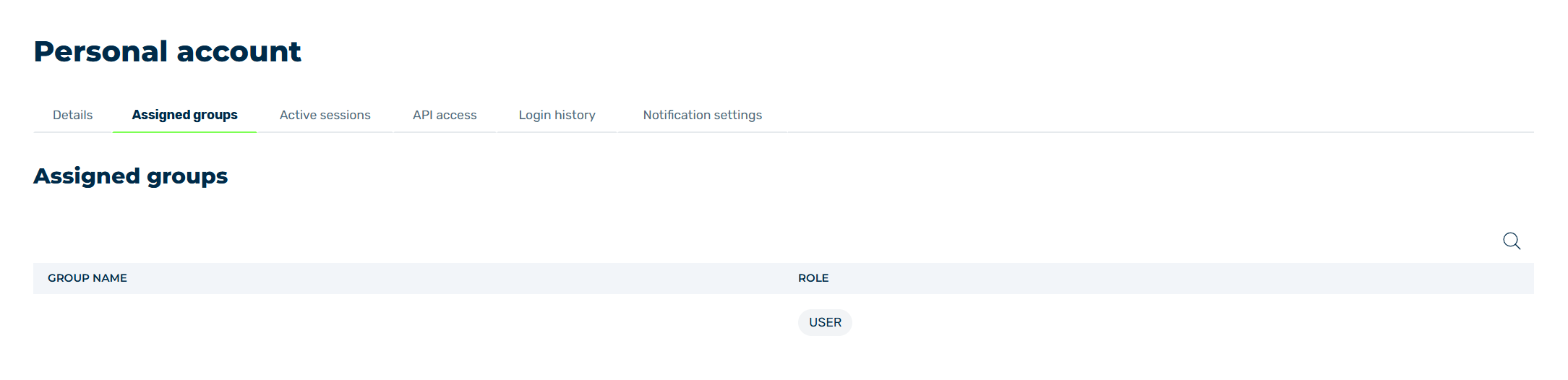
Assigned groups tab
In the Assigned groups tab, you will find information about the groups you have been assigned to and the rights role you have in that group.
The following information is available:
| Name | Definition |
|---|---|
| Group name | The name of the group. |
| Role | The role your account has within the group. The following roles are available:
|
The following options are available:
| Name | Definition |
|---|---|
 |
The search field filters entries by names. Click on the X to delete the search entry. |