Edit waiting room
Proceed as follows to change an existing waiting room for a domain or subdomain:
- ► Select a waiting room from the list and click on the icon
 .
. - ↳ The Edit waiting room view opens.
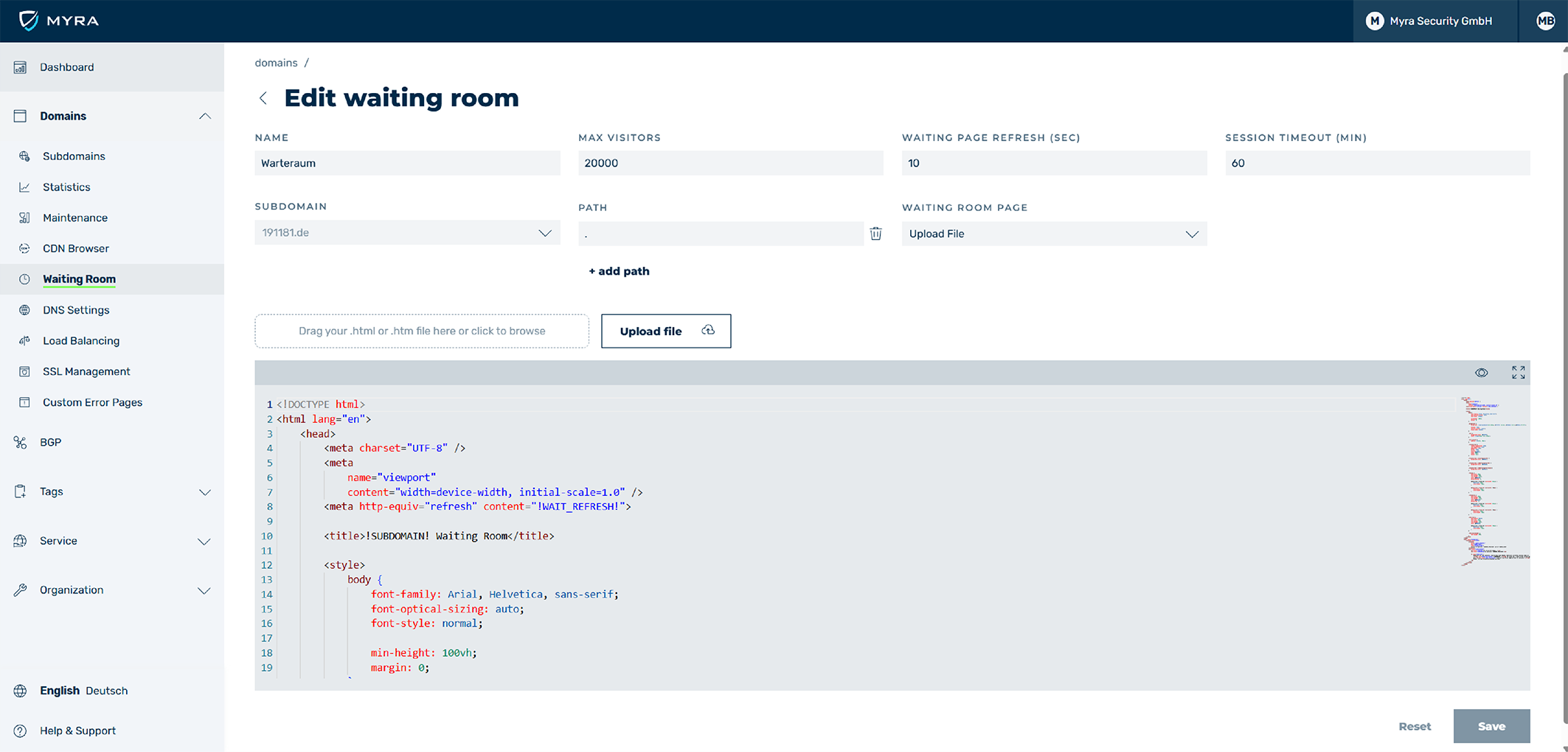
Edit waiting room
- ► Edit the settings for the waiting room.
- ► To save the changes to the waiting room, click on the Save button.
- ➔ The Waiting Room view opens and the waiting room with the new settings is available.