Role Concept in the Myra App
The Myra App makes a distinction between the following two roles:
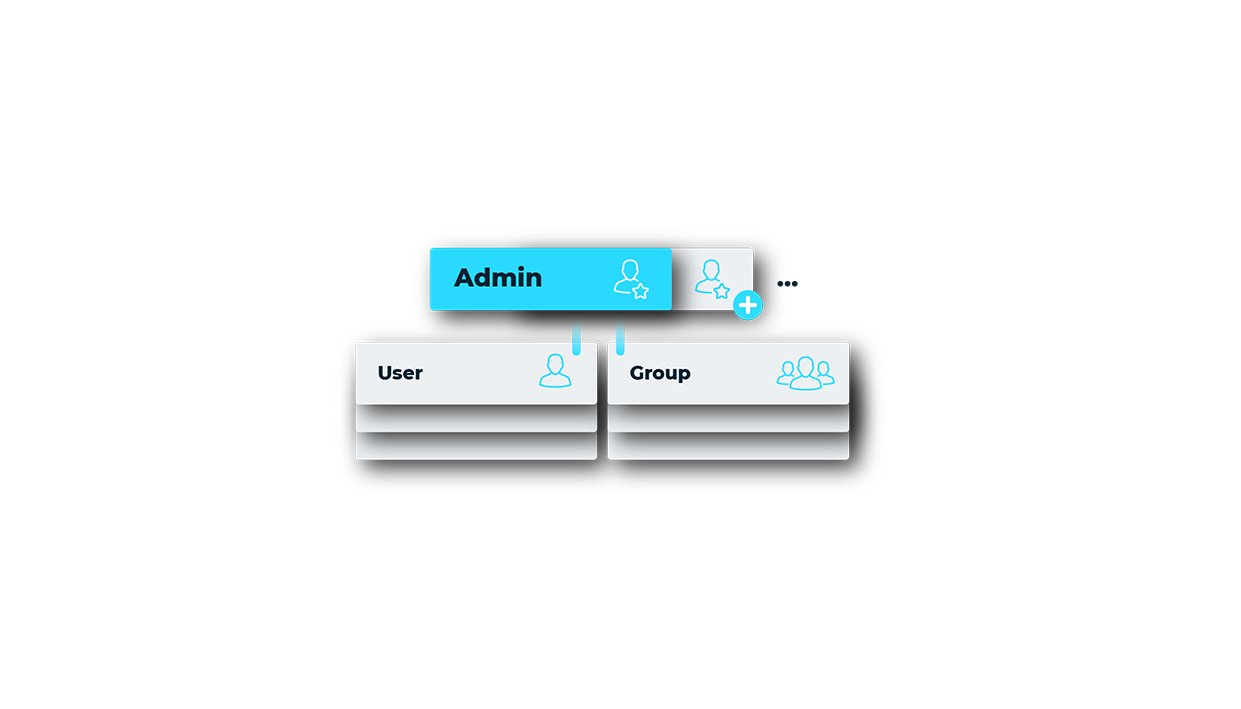
Role Concept in the Myra App
User
The User role only has the rights in the Myra App that have been directly assigned to it through local and global permissions or group permissions. A user cannot grant rights, create users, or use administrative functions.
Administrator
The Administrator role is split into the following two types of admin:
| Name | Definition |
|---|---|
| Root Admins | Root Admins are all users with administrator rights who are part of the main group (the top-level group with the organization’s name) within the organization. When creating a new organization through Myra, the first user account automatically becomes a Root Admin. Root Admins may perform the following actions:
|
| Group administrators (hereinafter referred to as Admins) | Admins are all users with administrator rights who are not part of the main group, but have been assigned to a subgroup. Admins may perform the following actions:
|