Accounts of a Group Area
Note
All users with admin rights at the top level of an organization’s groups are considered Root Admins and have no limitations with respect to rights.
Root admin rights are needed when the user requires special functions, such as admin settings or ticket center.
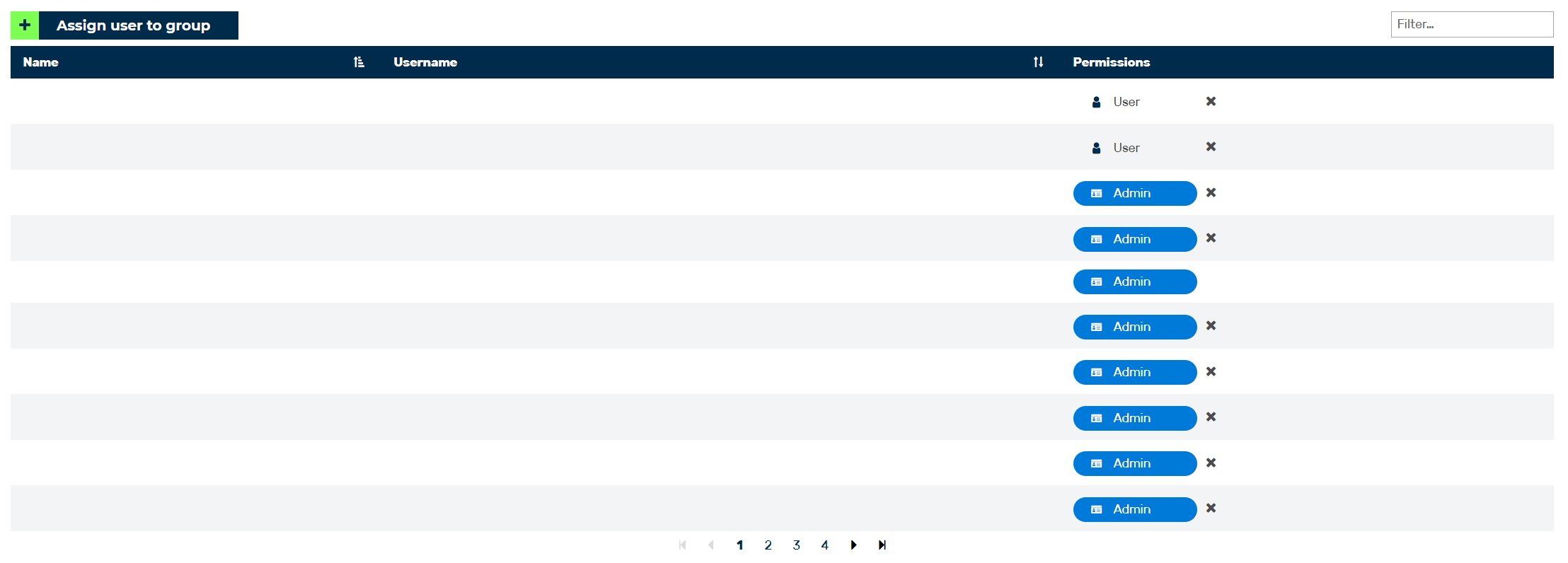
Accounts of a Group Area
In the Account of the group area, you can view and edit the names, email address, and permission groups of the assigned accounts, as well as add new accounts to the group.
The following information is available:
| Name | Definition |
|---|---|
| Name | The name of the user. |
| Username | The email address that the account was registered under. |
| Permission | Shows the role of the account. The following roles can be assigned:
|
The following options are available:
| Name | Definition |
|---|---|
| Assign user to group | The button opens the Assign user to the group <group name> dialog for adding new accounts to the current group. See Section Add users to a group. |
 |
Clicking on the icon deletes the selected account from the group. See Section Delete group. |
| Filter field | The field filters entries by users. |