Clear Cache dialog
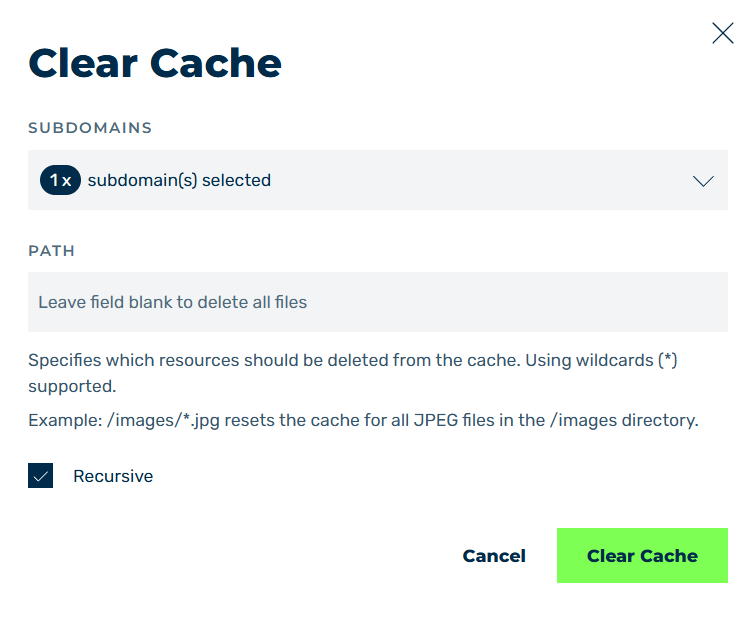
Clear Cache dialog
In the Clear Cache dialog, you can set which domains and paths the cache should be deleted for.
Proceed as follows to open the Clear Cache dialog:
- ► Click on the Domains tab in the left navigation bar.
- ↳ The Domains view opens.
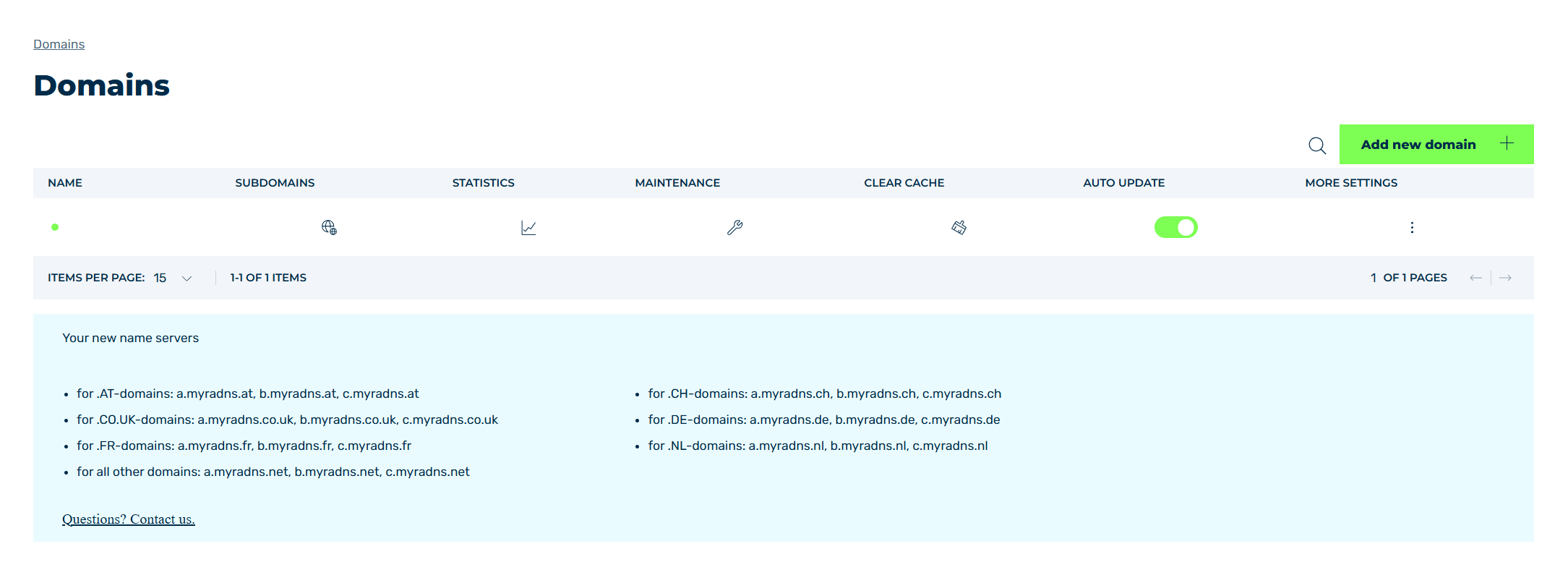
Domains view
- ► Click on the
 icon in the CACHE CLEAR column.
 - ➔ The Clear Cachedialog opens.
The following options are available:
| Name | Definition |
|---|---|
| SUBDOMAINS | Selects the corresponding domains or subdomains All are selected here by default. |
| PATH | Defines the paths and objects that should be deleted from the cache. |
| Recursive | The checkbox enables recursive deletion of files in the cache. |
| Clear Cache | The button deletes the cache for the defined subdomains under the corresponding conditions. |
| Cancel | The button closes the dialog. |