Delete maintenance page
Proceed as follows to delete a maintenance page for a domain:
- ► Open the Maintenance page view, see Section Maintenance Page.
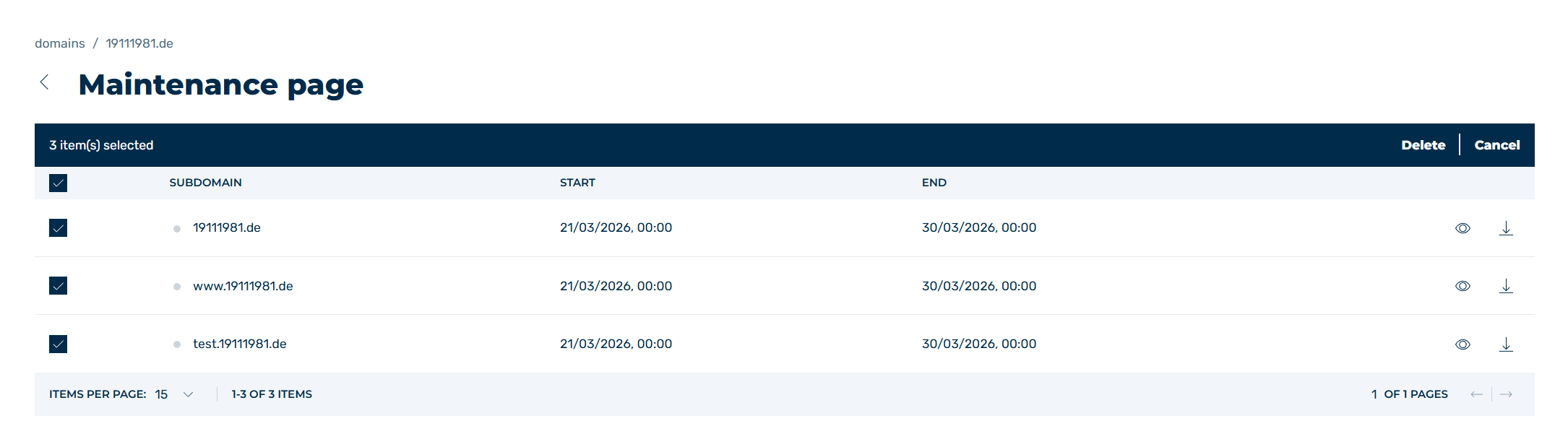
Example: Select all maintenance pages to delete
-
► Select the entry you want to delete and click on the checkboxes to the left of the entry.
If you want to delete all maintenance pages, click on the checkbox to the left of SUBDOMAIN.
-
↳ A toolbar appears above the list of entries.
- ► Click on the Delete button.
- ↳ The Delete maintenance dialog opens.
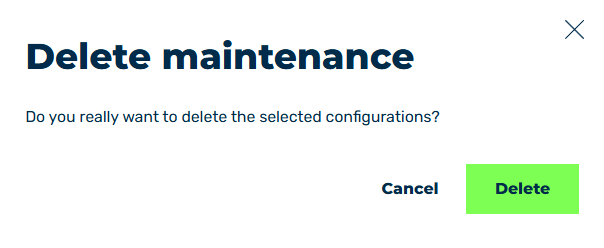
Delete maintenance page
- ► Click on the Delete button.
- ➔ The selected entries will be removed from the list on the maintenance page.